Photography AI Intelligent Face Tracking Stand for Smartphone Live Broadcast, 360 Desktop Follow Phone Holder, Optional Remote
Product Feature:
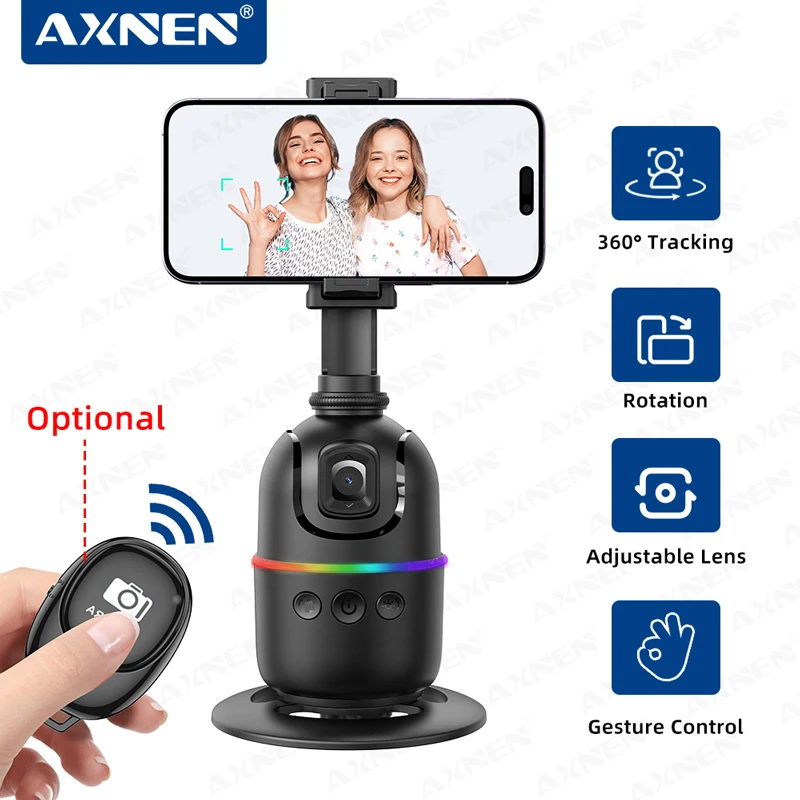
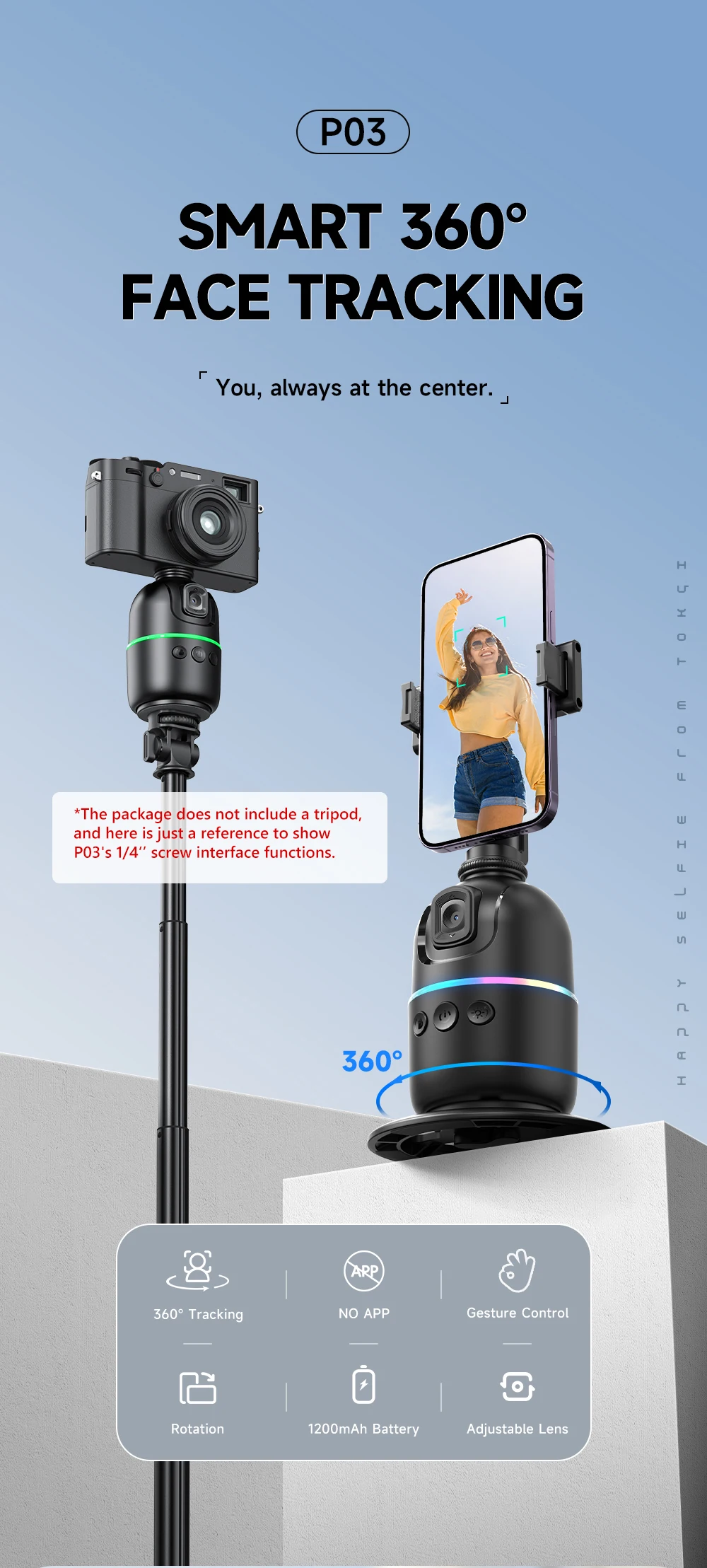
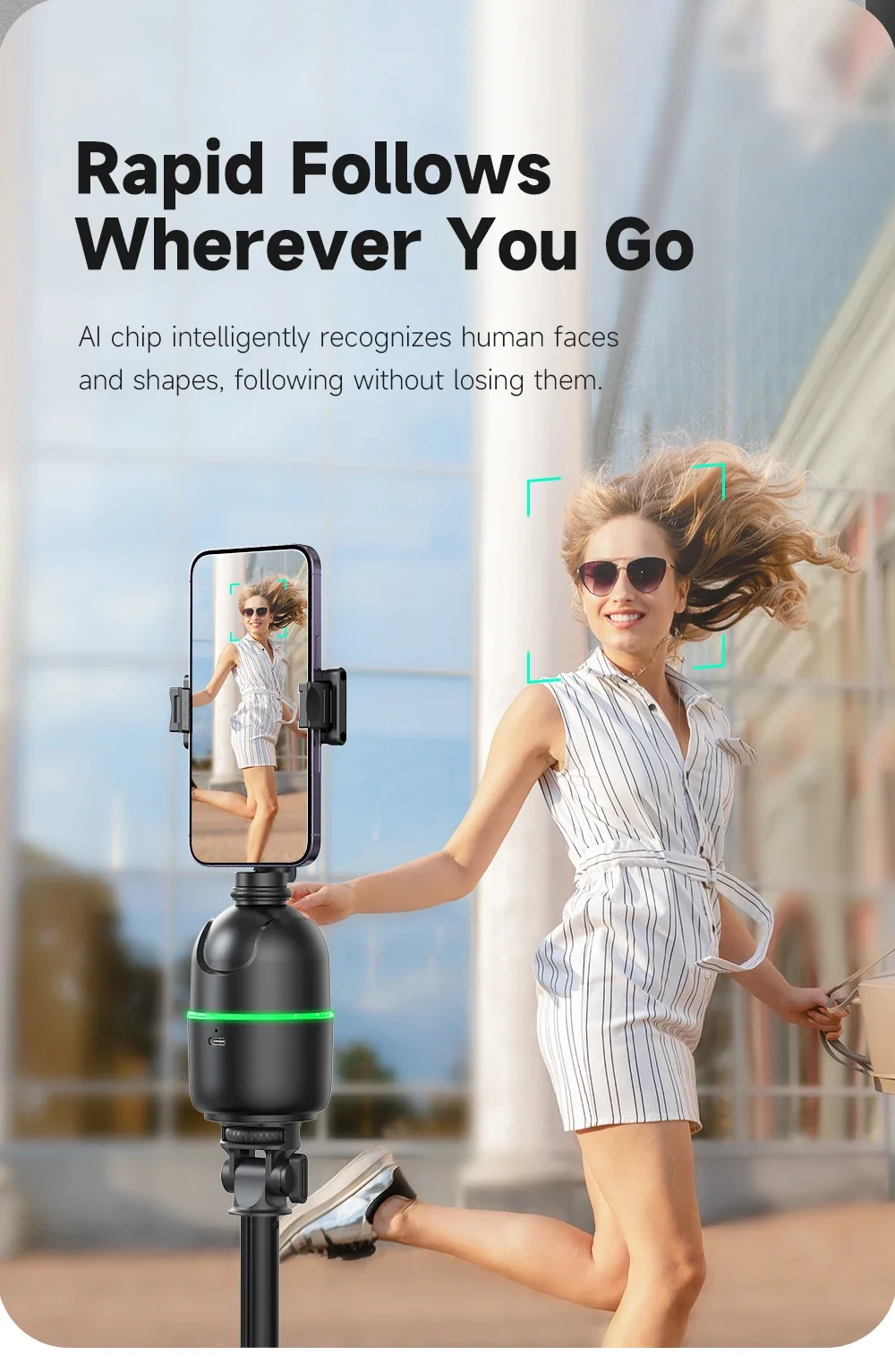
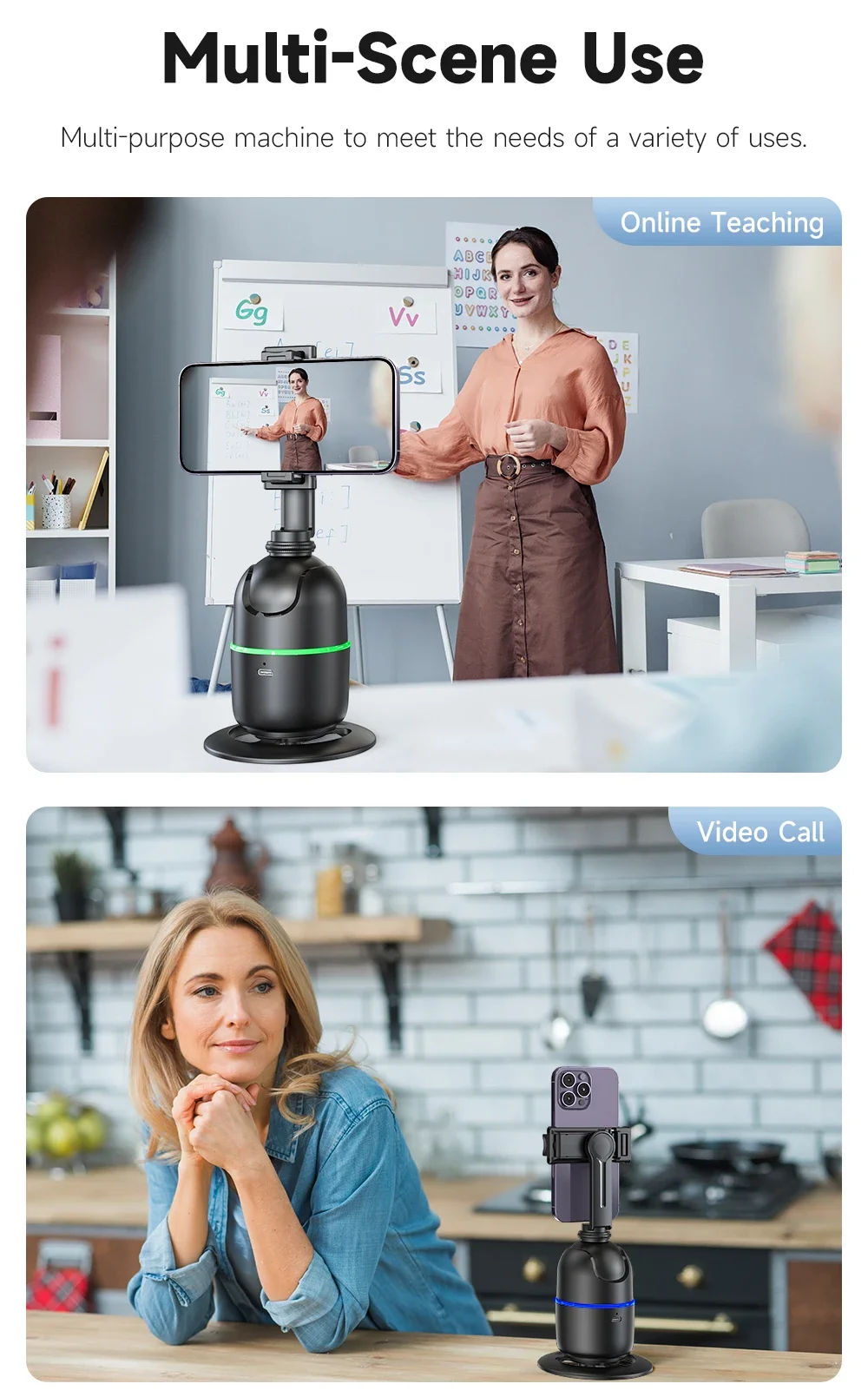
-- 360° Intelligent Face Recognition Tracking
-- dont need APP, smart face tracking
-- Using IFLYTEK AI Chip Algorithm, It Can Follow Intelligently And Experience Better.
-- Intelligent Gesture Recognition
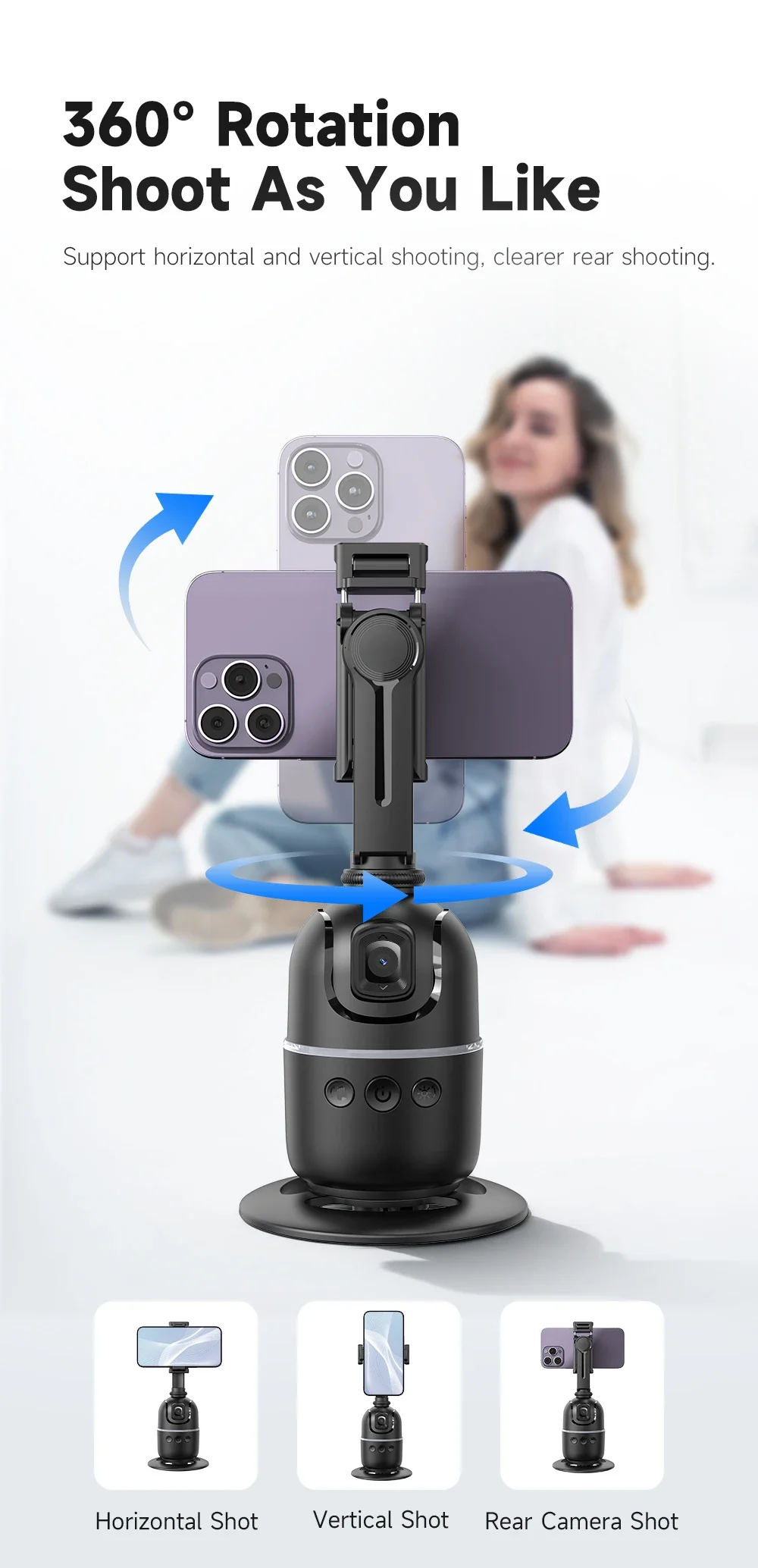
-- 360° Horizontal And Vertical Shooting Of Mobile Phone Stand, 180° Front And Rear Shooting
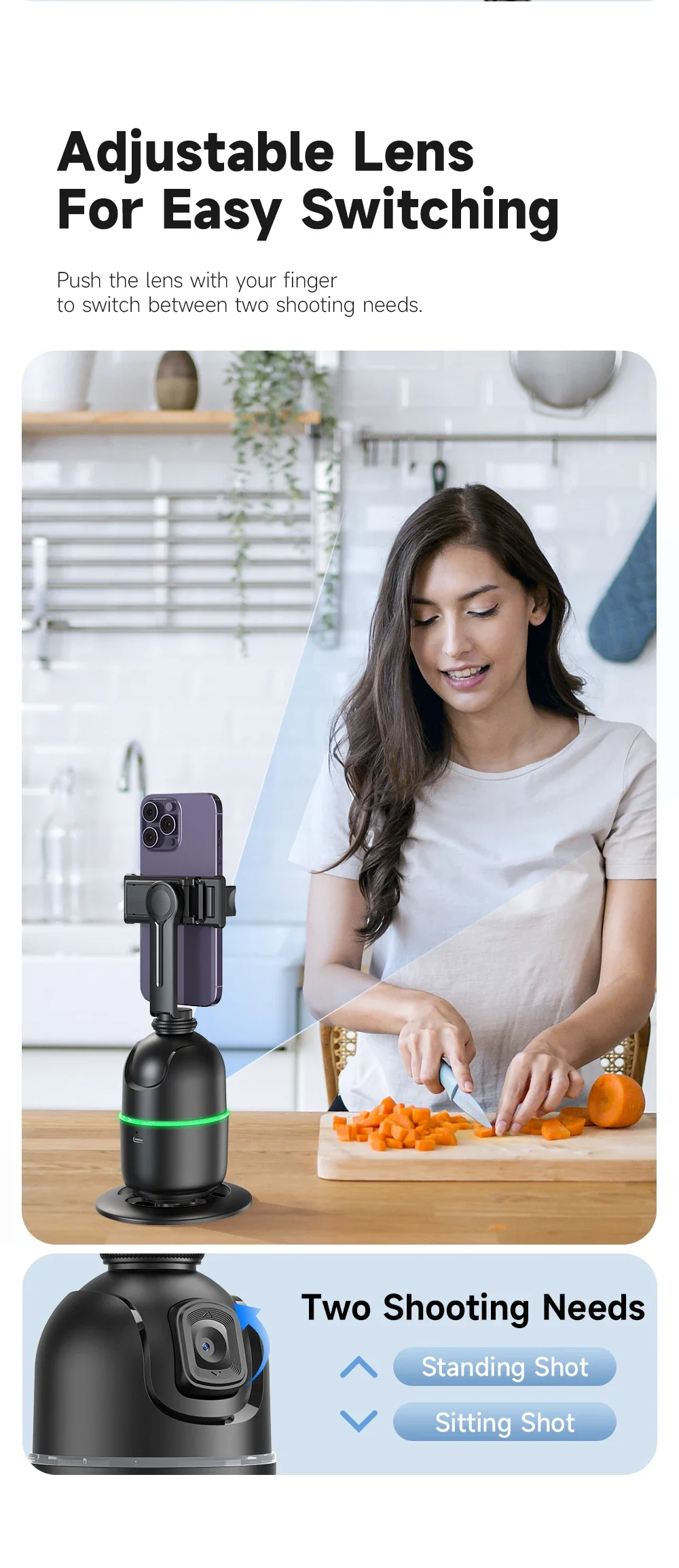
-- The Lens Can Be Adjusted Up And Down For Easy Shooting
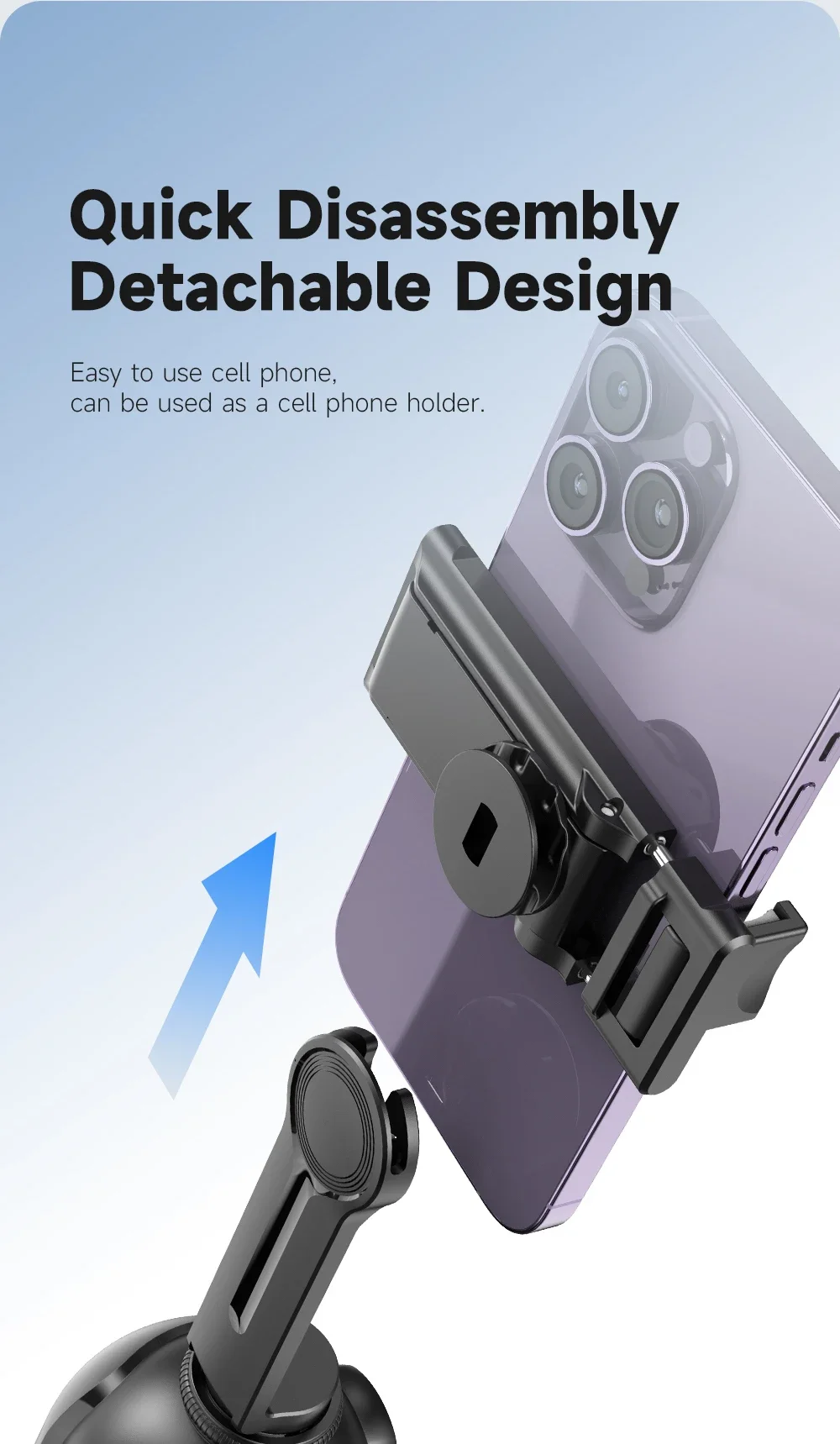
-- Can Be Used With A Tripod With 1/4 Nut Interface (The Tripod Needs To Be Purchased Separately)
-- Phone Clip:360 ° horizontal and vertical switching, 180 ° forward and backward flipping
Please note:
-- Remote is optional, if you need remote, please choose the option " P03 Stand add Remote" when you making order, thanks!
1. Support Mobile Phone Size: 65-95mm
2. The following function of P03 relies on the lens itself to recognize faces, so when you use it, please adjust the height of the P03 lens and your height so that P03 can capture faces and follow.
If you want to stand and shoot, you need to place P03 in a relatively high position, or use it with a tripod (tripod needs to be purchased separately, you can contact our customer service about that), or adjust the lens angle of P03 upwards.
3. Regardless of any pre-sales, in sales, or after-sales issues, please prioritize contacting our customer service for answer or resolution.
Don't worry, AXNEN official store will provide you with thoughtful customer service. Whether it's logistics issues, product usage or quality issues, we will do our best to solve them for you! Thank you for your understanding!
Using Tips:
-- Gesture tips:
Please long press the power button to turn on the gimbal before using the gesture function.
After power on, the default settings are gesture function and face tracking function on.
"Palm" gesture: Pause face tracking.
"OK" gesture: Resume face tracking / Switch tracking person.
-- Automatic Follow Usage:
Press the "Palm" button to enable clockwise 360° automatic rotation
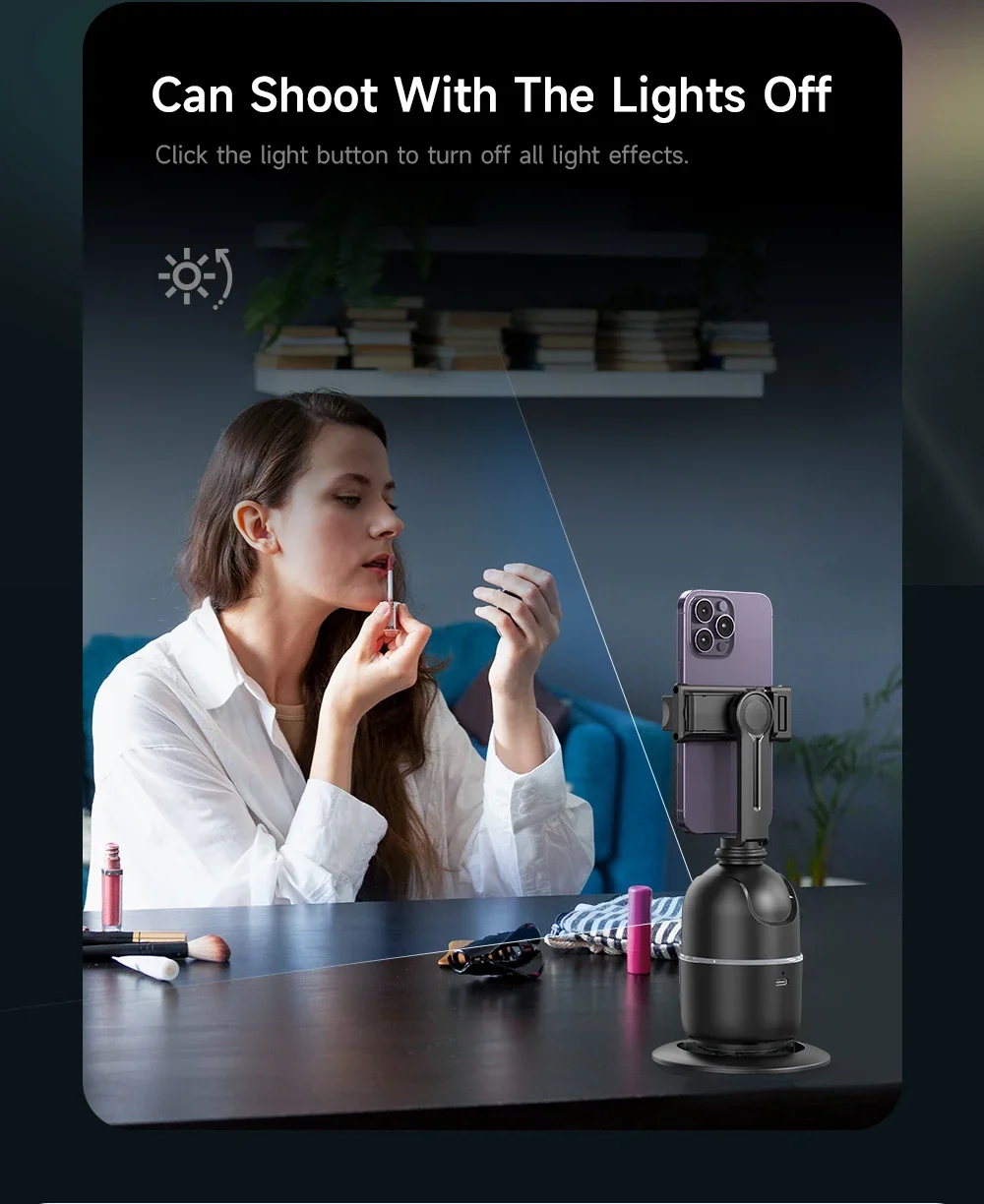
Press the "Light" button to enable counterclockwise 360° automatic rotation
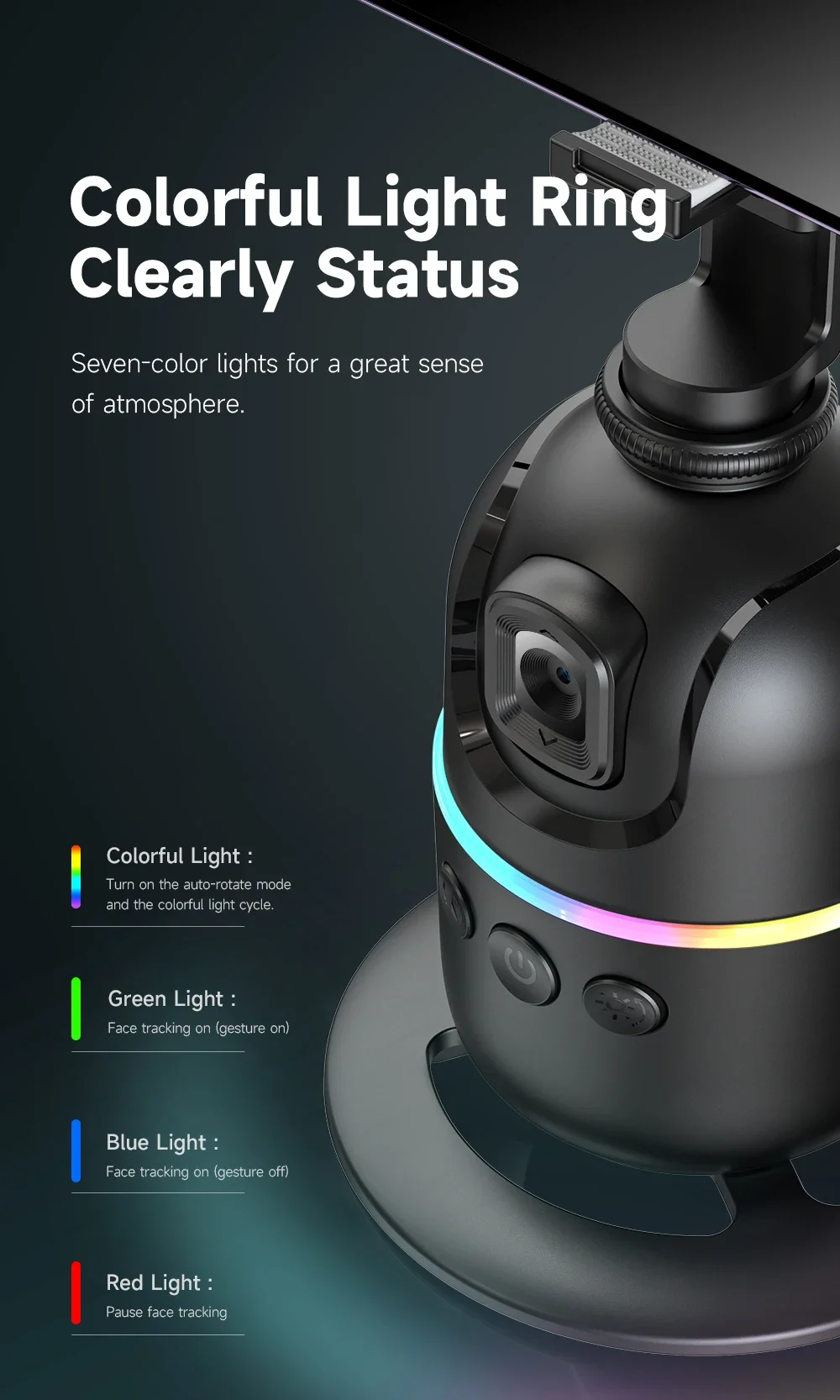
-- Colorful Light :
Turn on the auto-rotate mode and the colorful light cycle.
Green Light : Face tracking on (gesture on)
Blue Light : Face tracking on (gesture off)
Red Light : Pause face tracking
-- Adjustable Lens
The following function of P03 relies on the lens itself to recognize faces, so when you use it, please adjust the height of the P03 lens and your height so that P03 can capture faces and follow.
If you want to stand and shoot, you need to place P03 in a relatively high position, or use it with a tripod (tripod needs to be purchased separately, you can contact our customer service about that), or adjust the lens angle of P03 upwards.
Easilt push the lens with your finger.







Recommended For You

New Sport Fitness Tracker Smart Bracelet Heart Rate Blood Pressure Monitor Pedometer Call Reminder Smartwatch Band for Men Women
$50.48
RTSHE-Exercise Bike Monitor Speedometer Fitness Tracker For Bikes And Ellipticals Tationary Bike Speedometer Display Fitness Mon
$39.84
Smart Glasses Ultra-Light Playback Open-Ear Speakers Sunglasses Polarized Lens Smartglasses Bluetooth Glasses for Sports Travel
$31.02