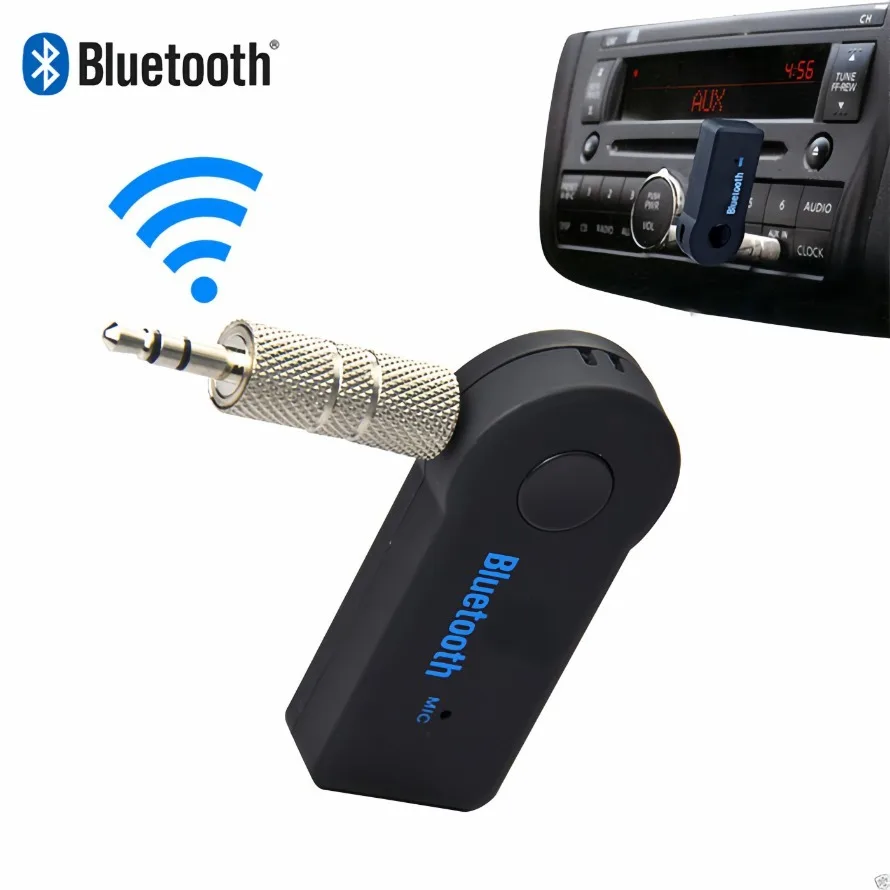
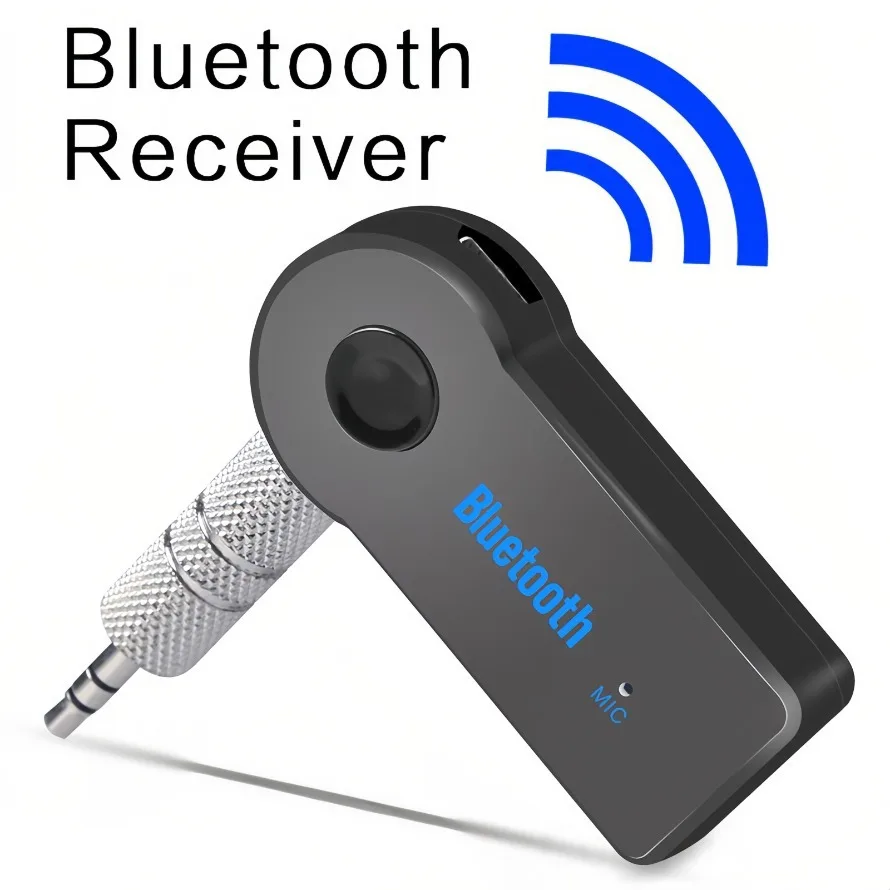
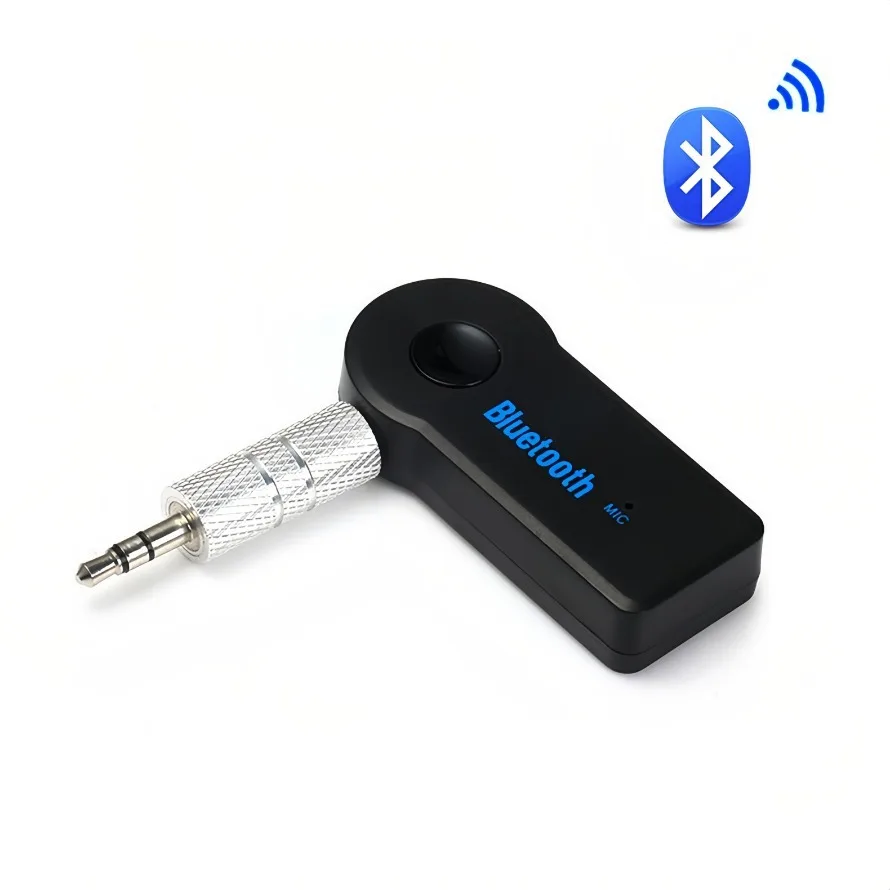
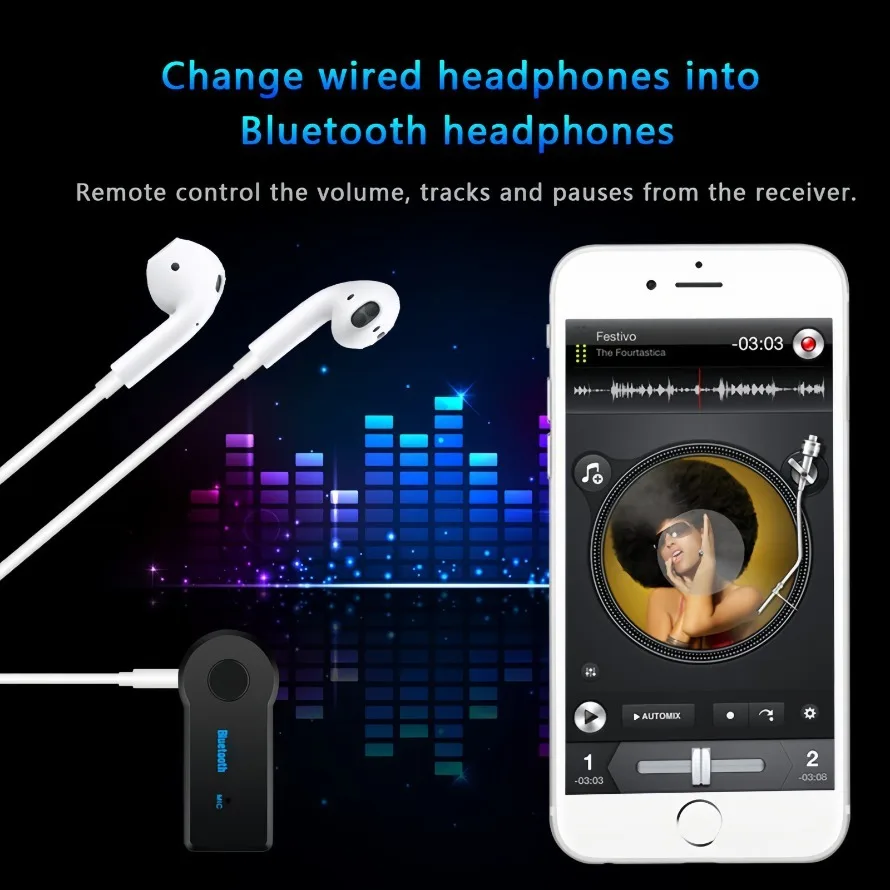
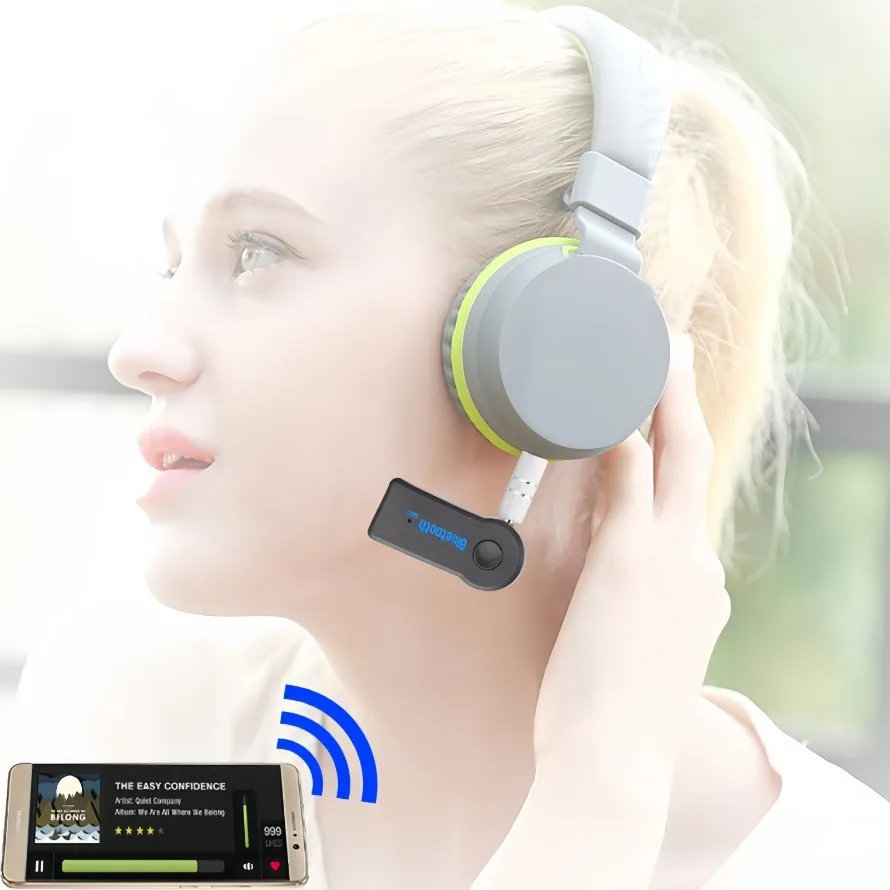
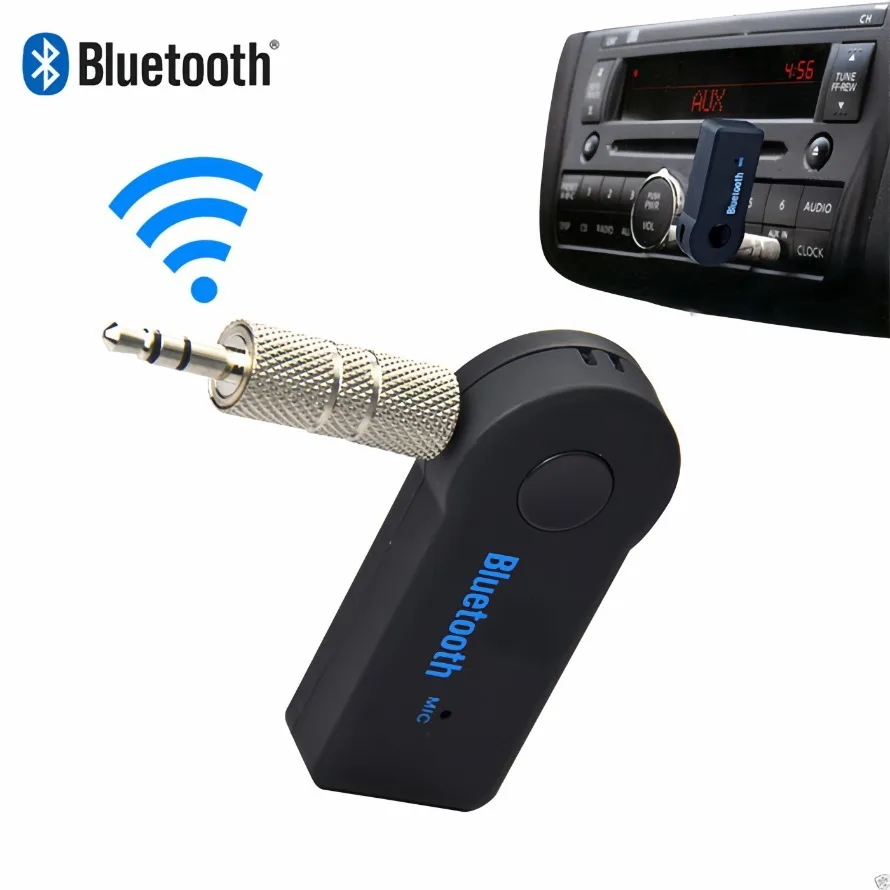
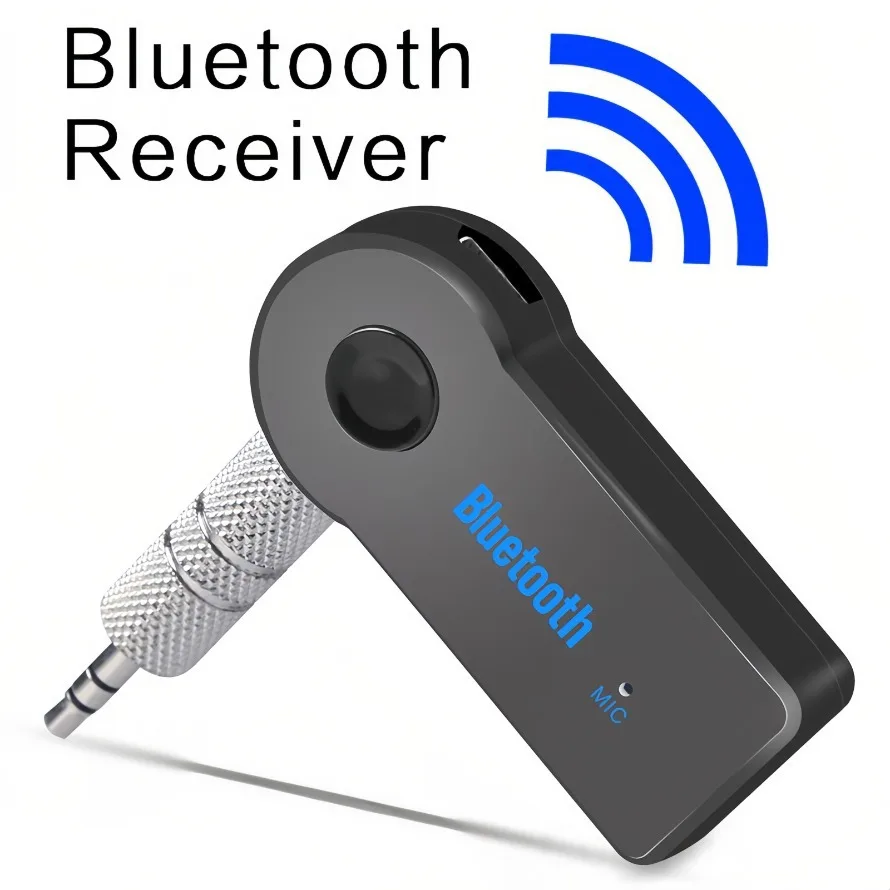
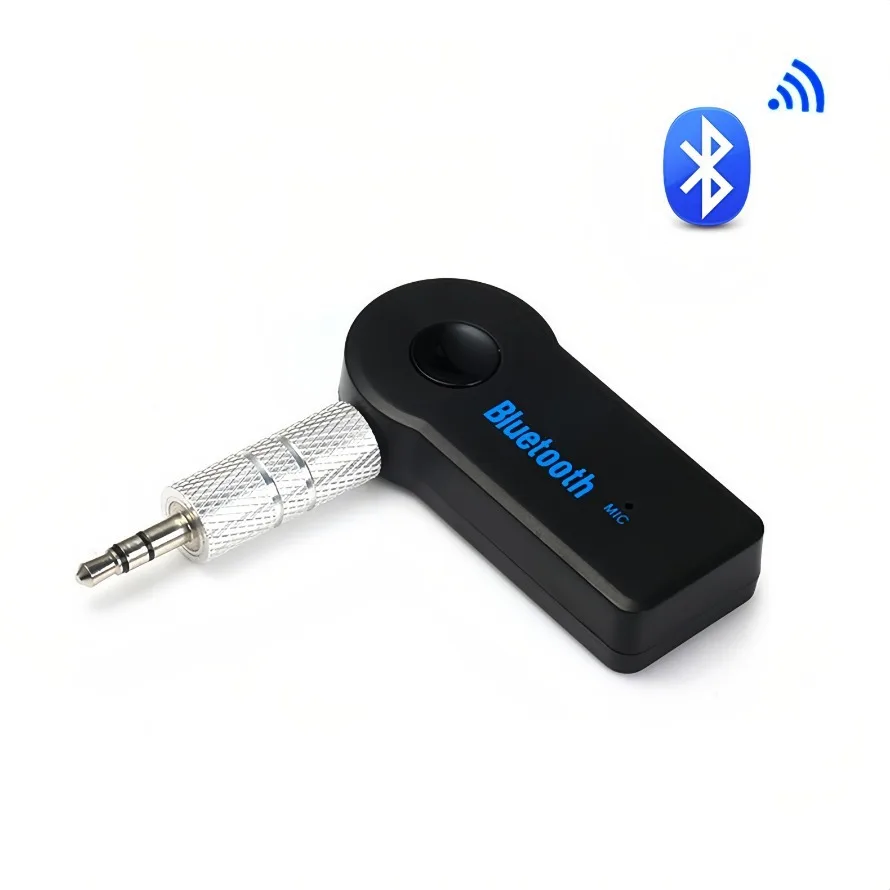
Bluetooth AUX Adapter for Car Earphones Speakers Wireless Bluetooth Audio Receiver Hands-Free call Car Kits with AUX 3.5mm
High Demand - Only 5 left in stock!
Order now to ensure availability.
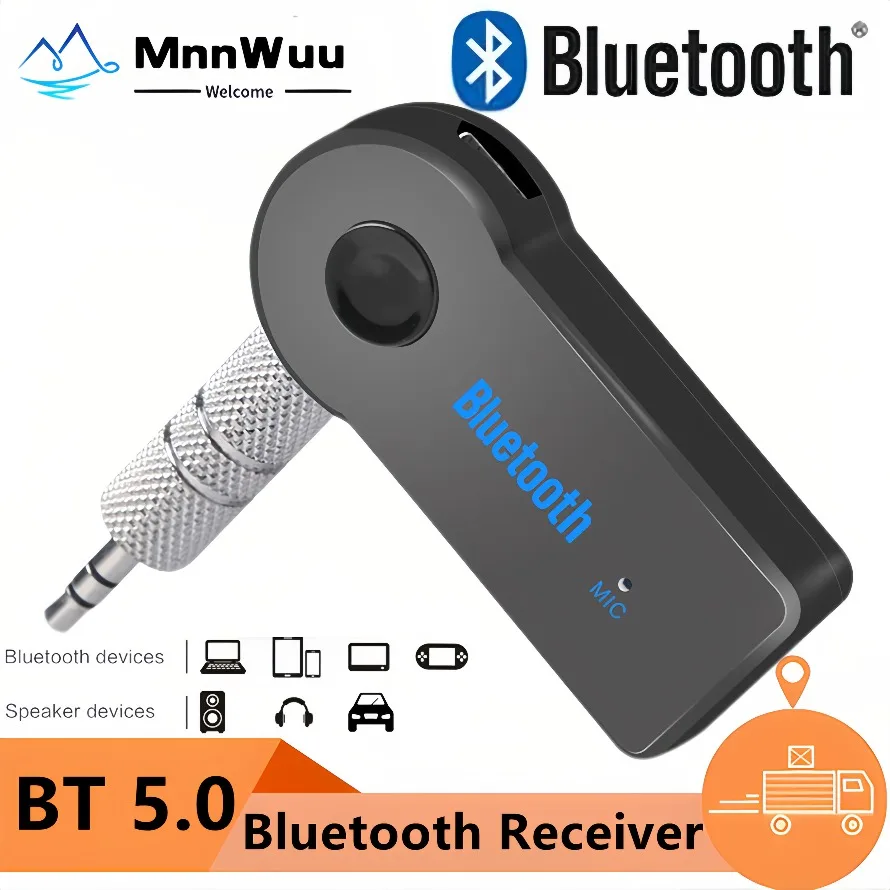
Product Name: Bluetooth receiver, car Bluetooth receiver, car Bluetooth receiver, AUX Bluetooth receiver, audio adapter
Product material: plastic + metal
Product color: black
Interface type: 3.5mm
Bluetooth version: Bluetooth 5.0
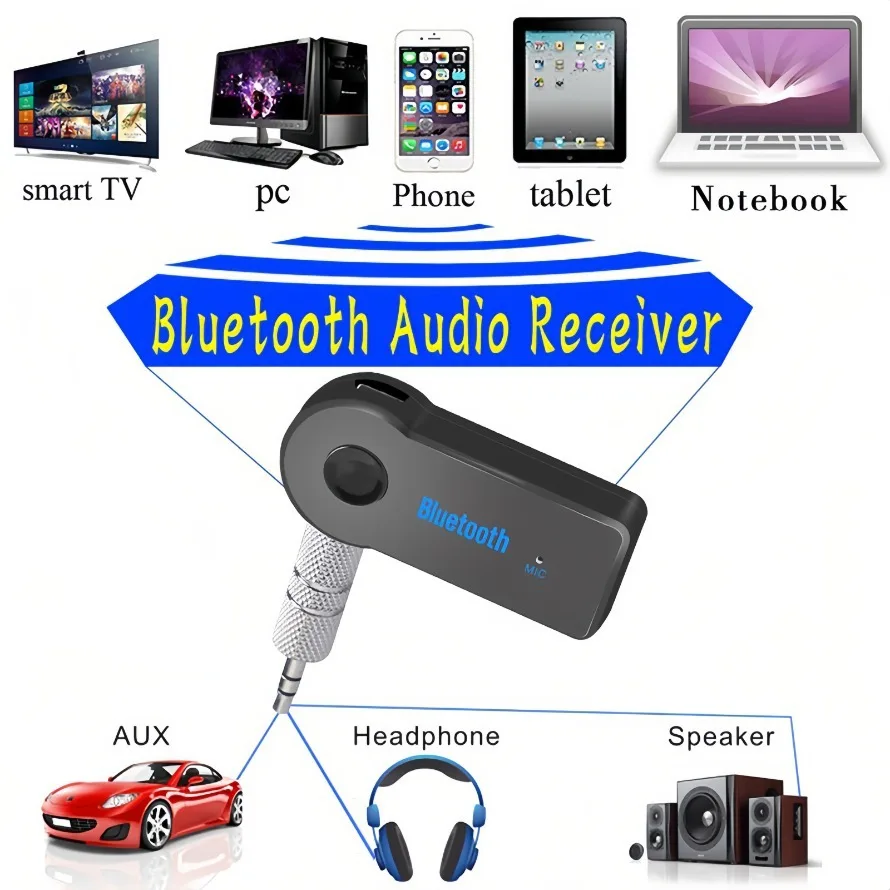
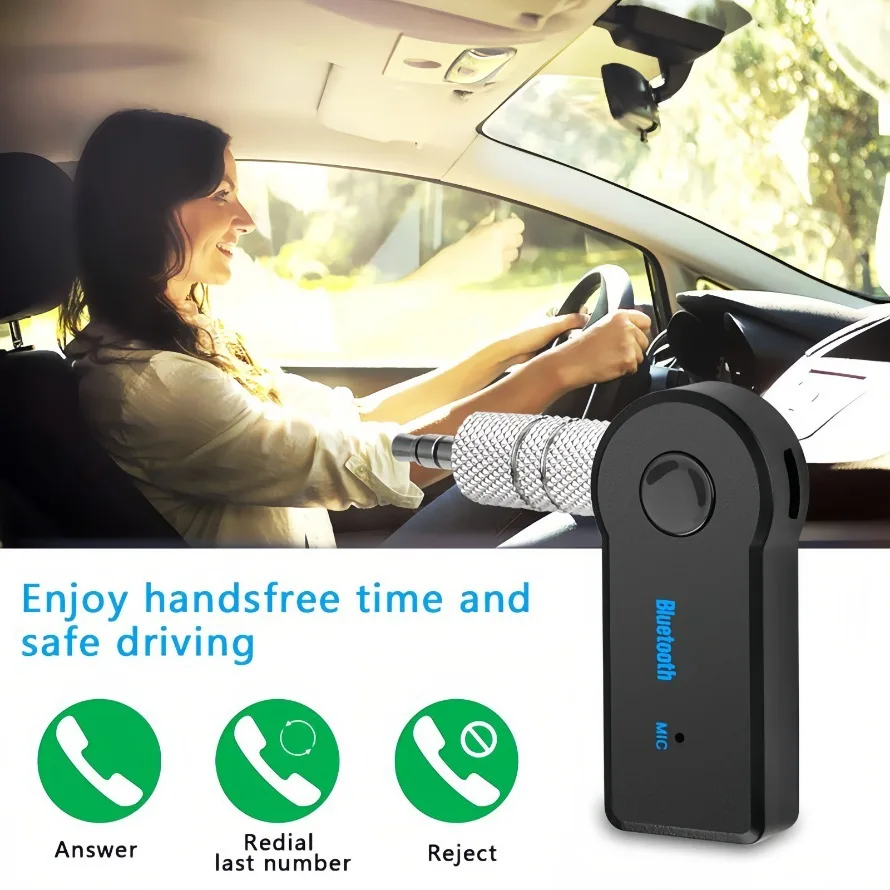
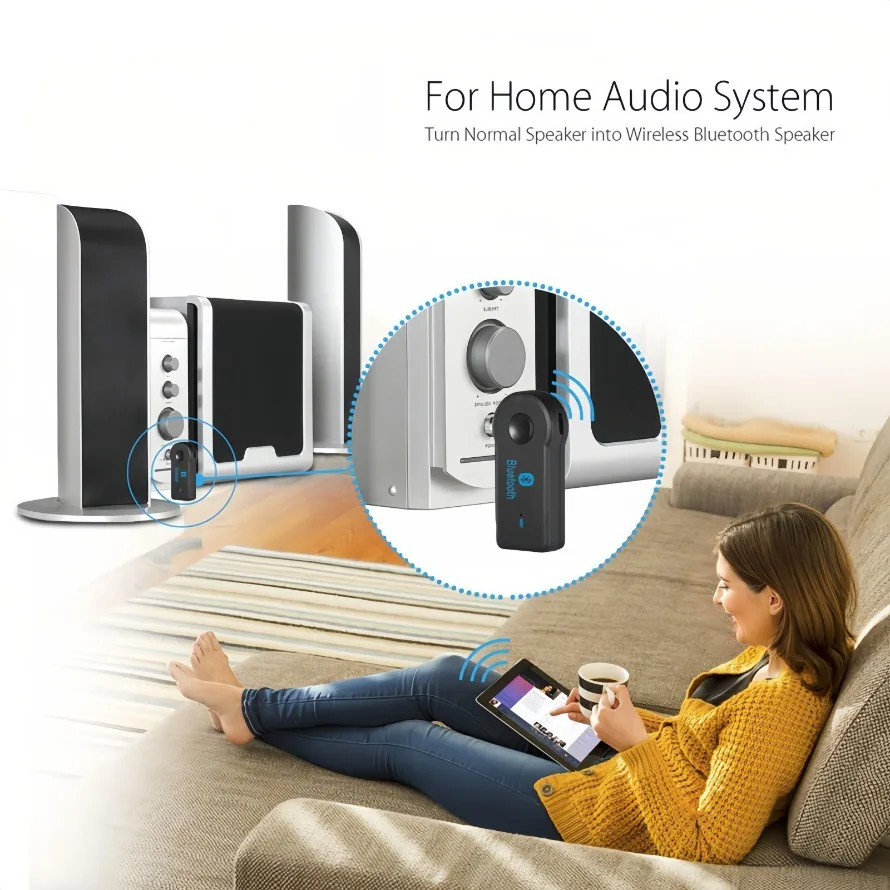
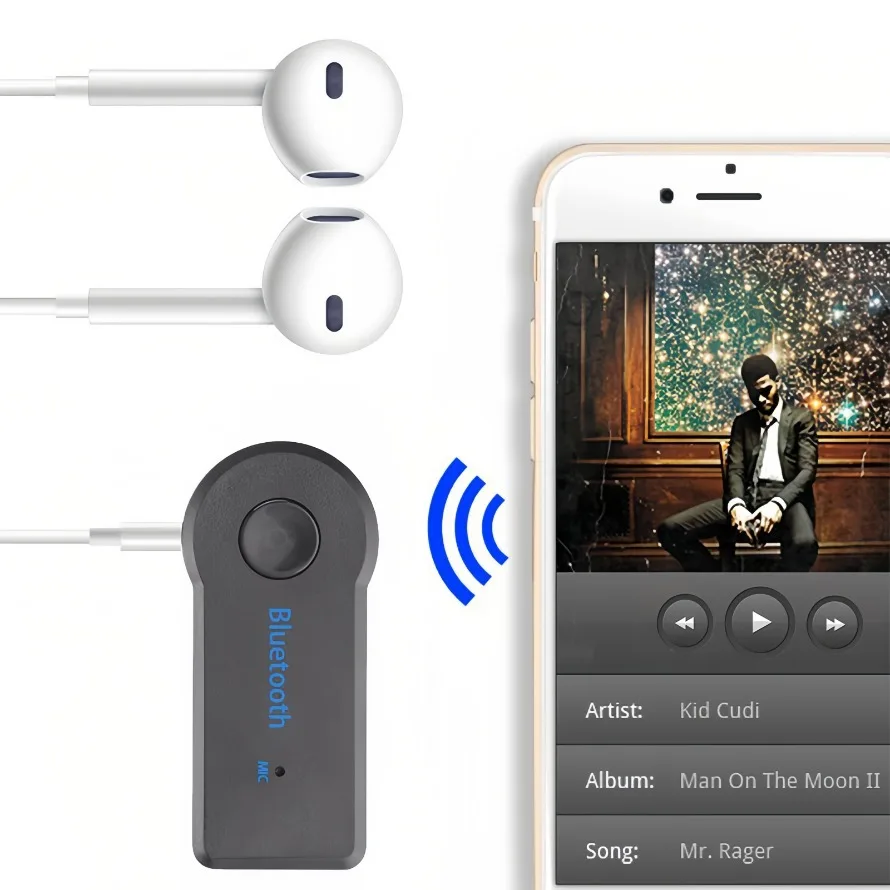
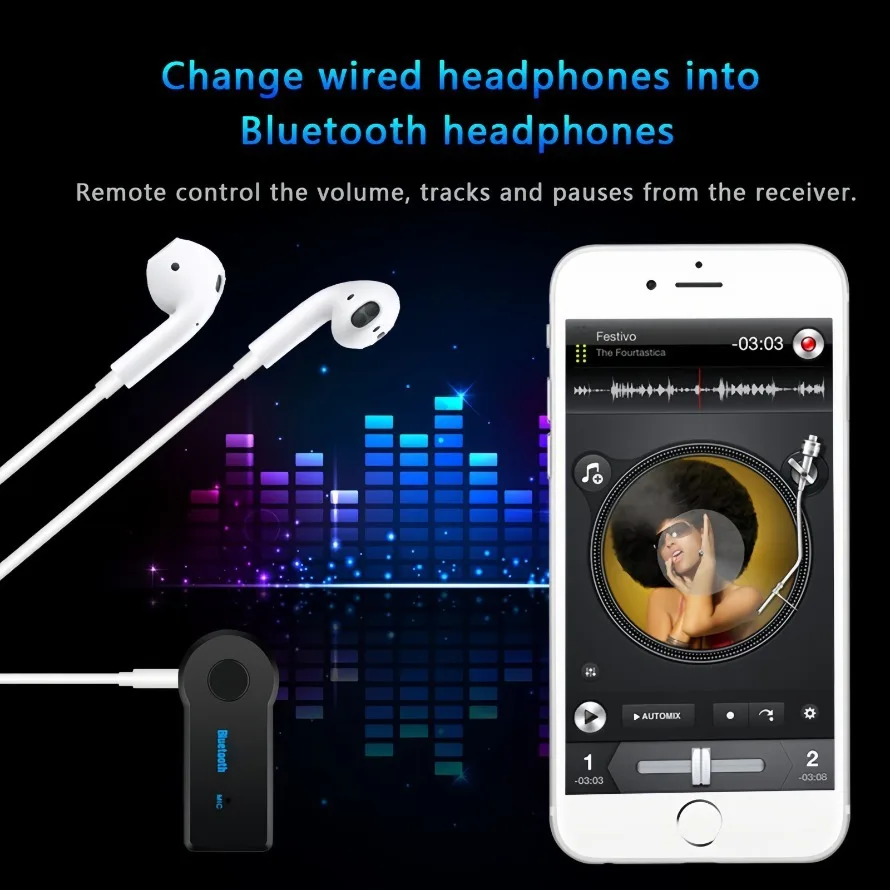
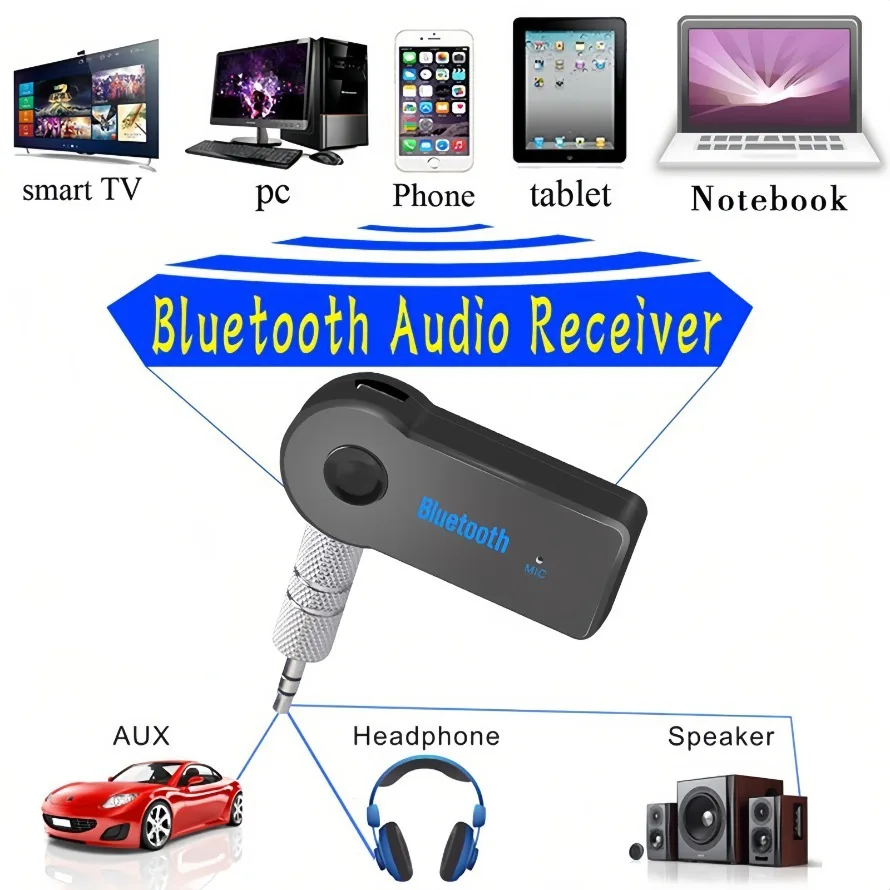
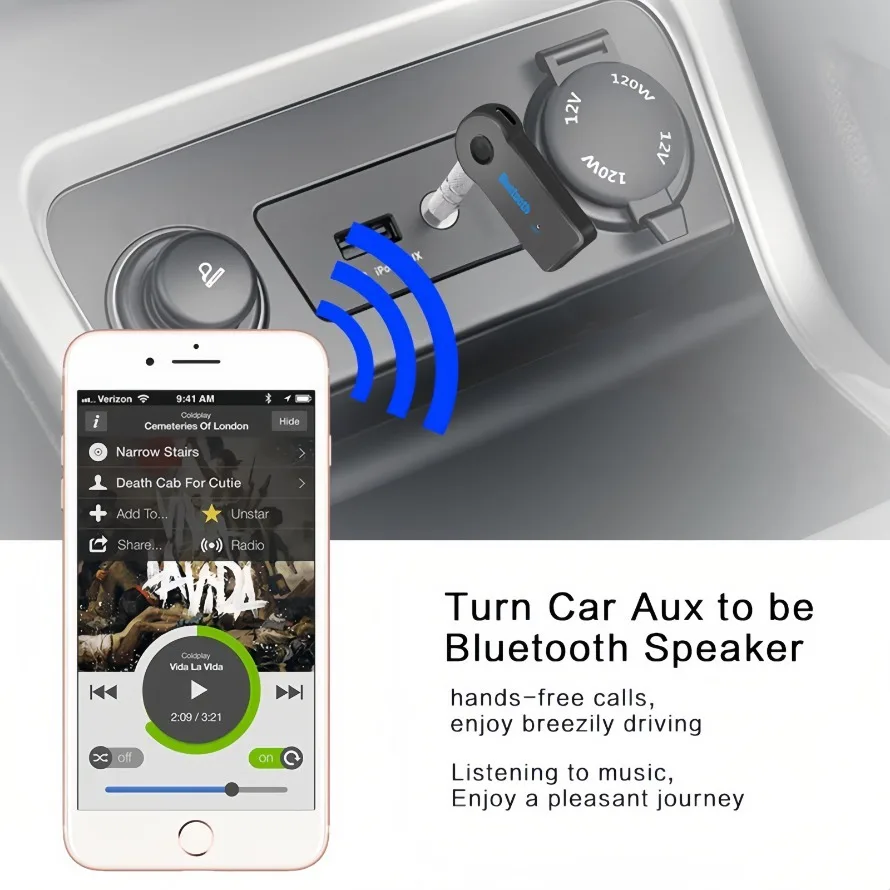
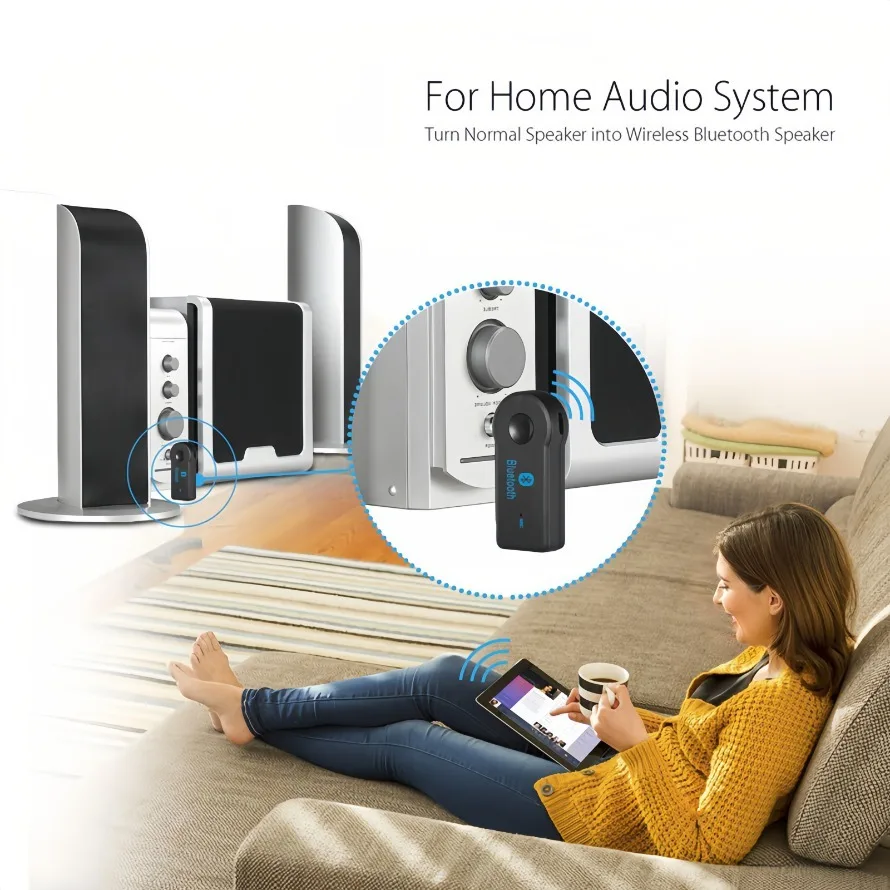
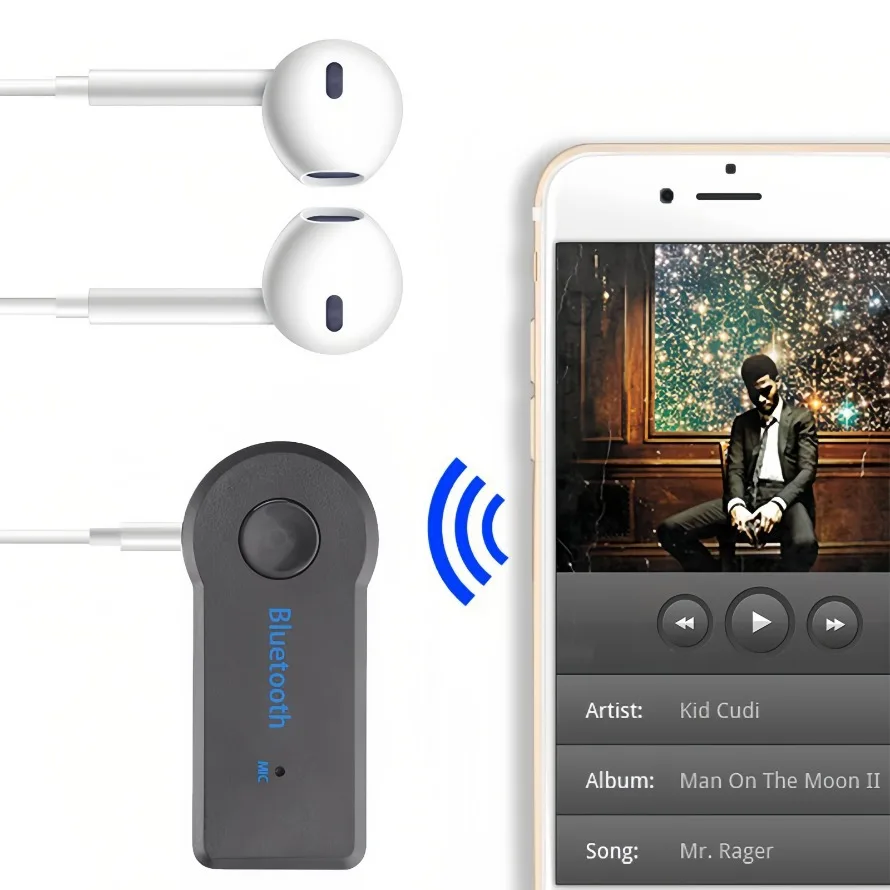
Features: Support for connecting headphones, connecting mobile phones, connecting speakers, connecting cars
Setting method: see the last text
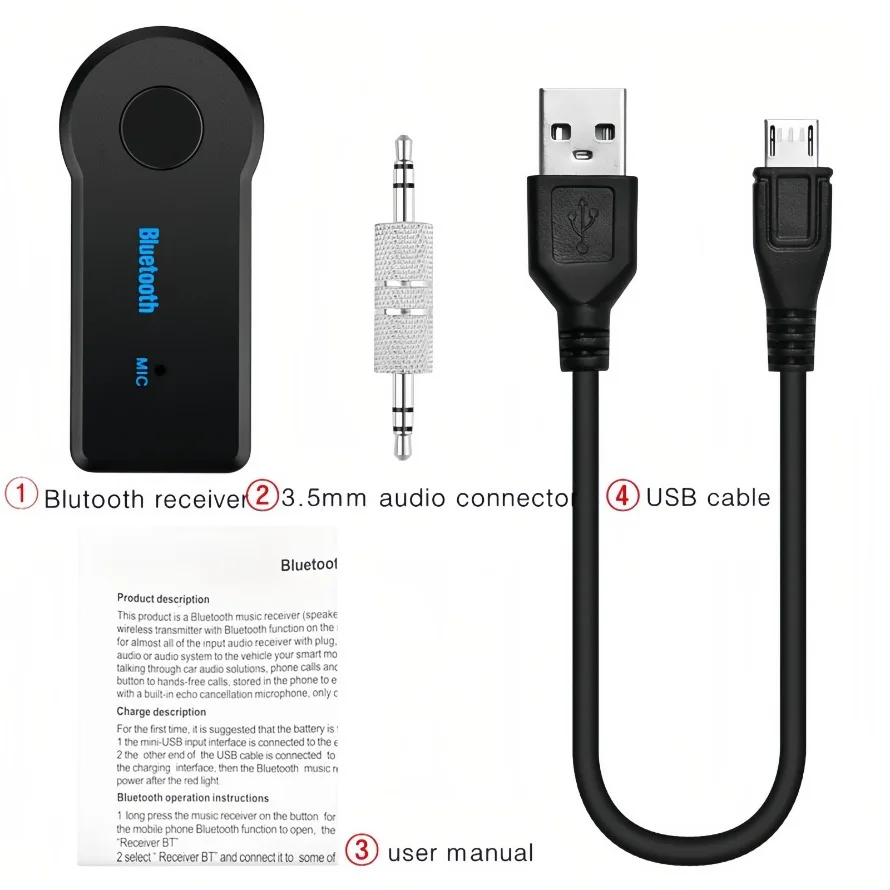
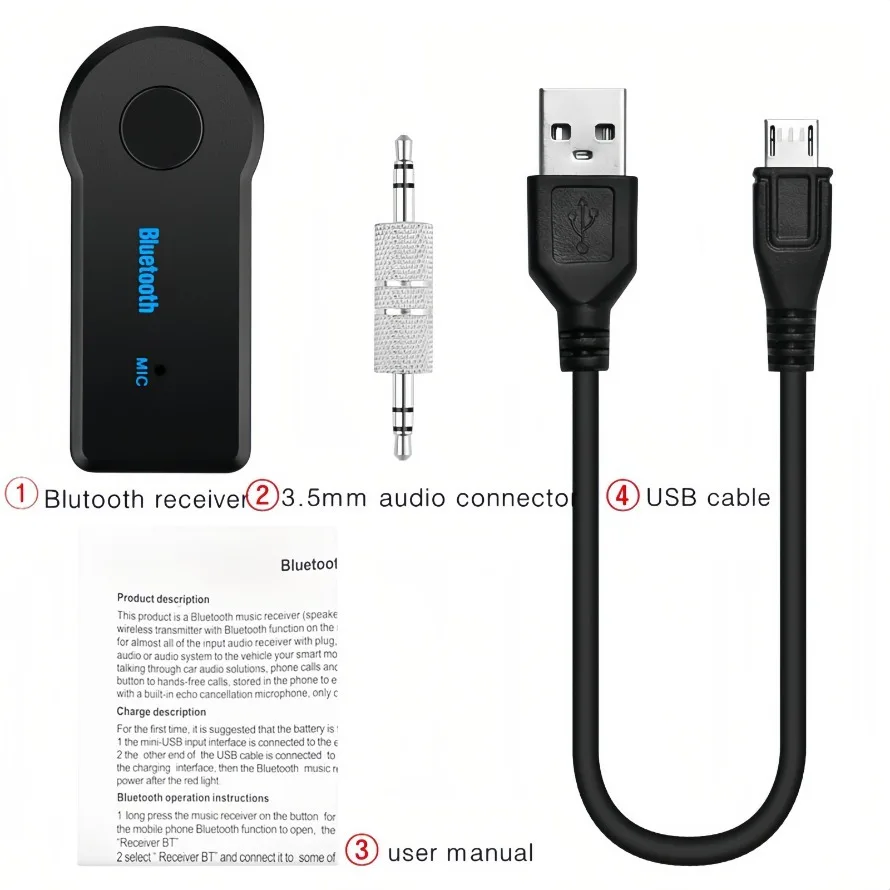
Product included:
1 × Bluetooth Receiver
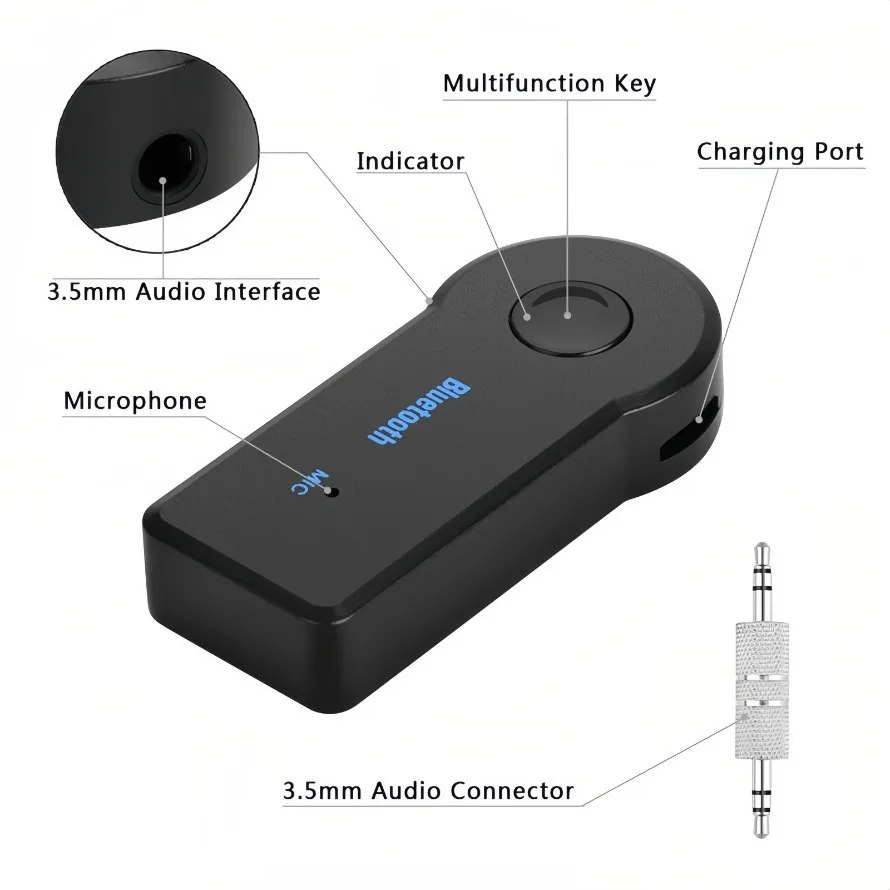
1 × 3.5mm metal adapter
1 × USB charging cable
1 × Manual
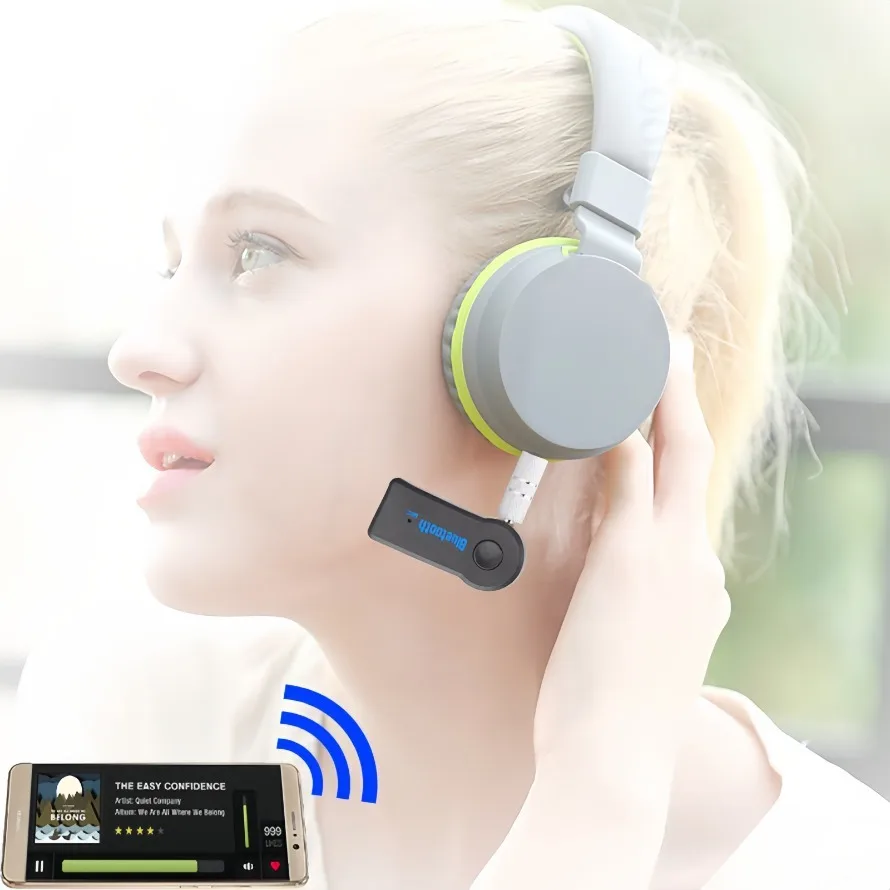
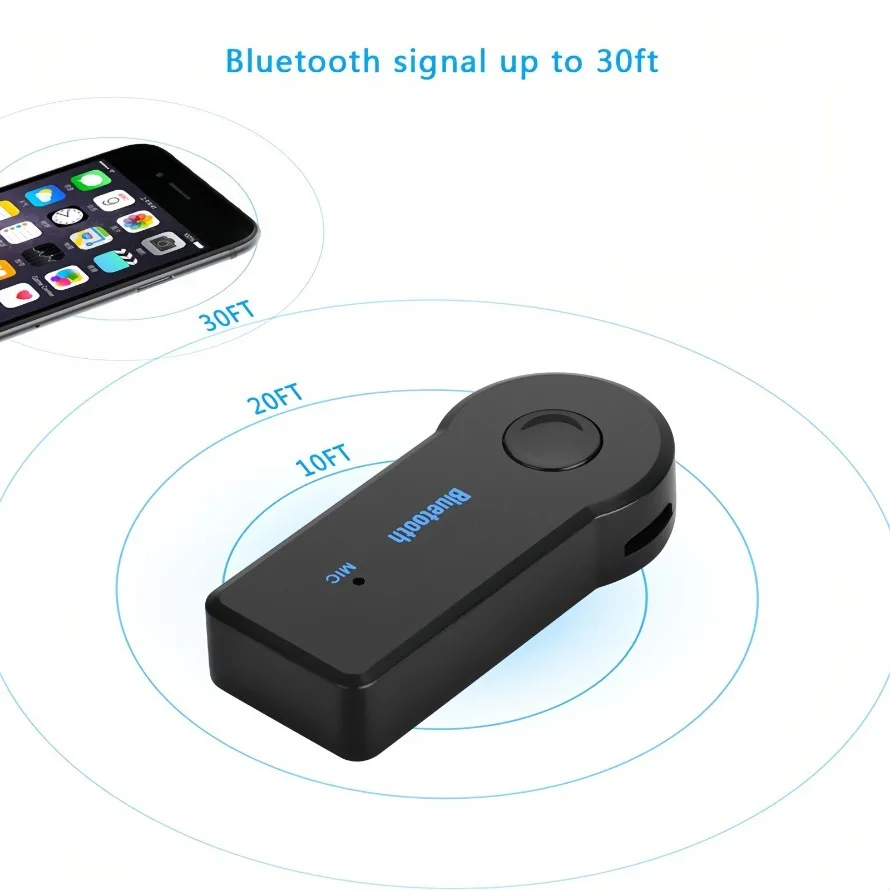
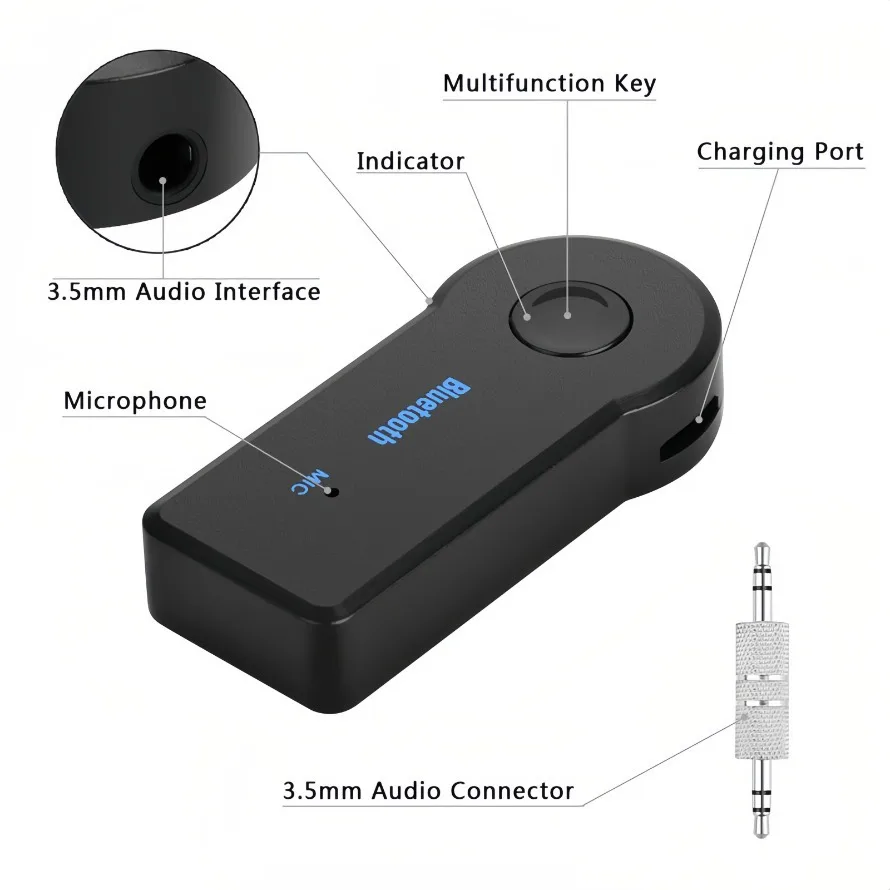
Instructions for use: Charging:
1. Use one end of the provided USB cable to connect to the mini-USB input interface of this Bluetooth music receiver
2. connect the other end of the USB cable to your computer, notebook or USB power converter. When the LED light of the Bluetooth music receiver turns red, it means that it is charging.
3. When charging is over, the red LED light will go out, and it can provide up to 8 hours of play time when fully charged.
Pairing:
1. Enter pairing mode, press and hold the switch button for 5 seconds until the red and blue LED lights flash at the same time
2. Find this bluetooth music receiver on your mobile phone or related transmitter
3. At this time, the device is paired and connected. After the connection is successful, the LED light of the Bluetooth music receiver turns blue and flashes slowly
4. For some devices that require a pairing password, please enter "0000"
5. Once the pairing is successful, the device can be powered off, and there is no need to re-pair for the next connection.
If it has been paired:
1 Power on: Press and hold the switch button on the Bluetooth music receiver for 3 seconds until the LED light turns blue and flashes to complete the boot
2. Shutdown: Press and hold the switch button for 5 seconds, at this time the red LED light will be on for a long time, then turn off.
Note: Please read the instruction manual of your transmitter or mobile phone carefully to find out how to use its Bluetooth wireless technology;
If you want to use this bluetooth music receiver to connect to another phone or transmitter, you have to pair it again. play music:
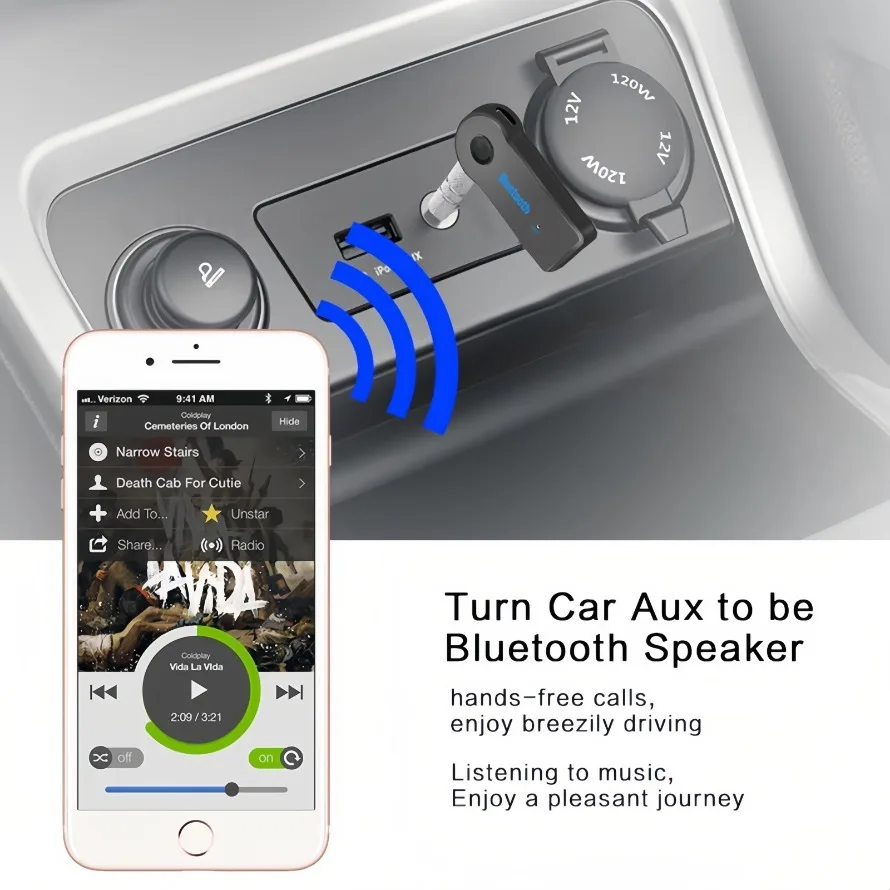
1. Use the provided audio cable and connector to connect this Bluetooth music receiver to your home audio or car stereo device
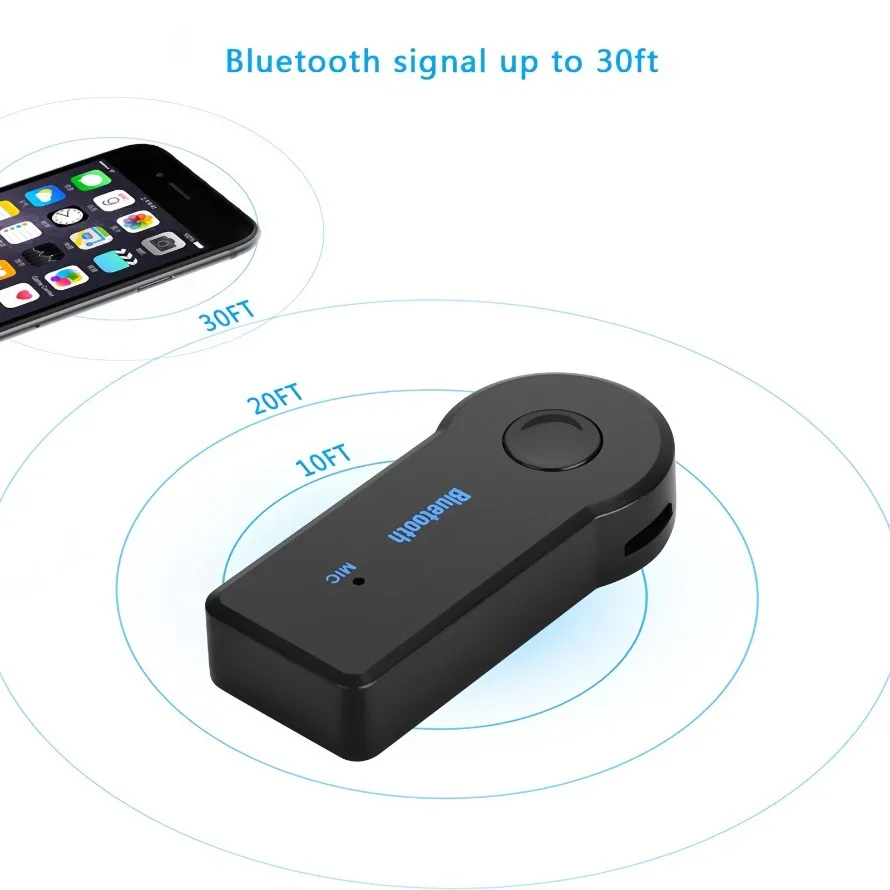
2. Please confirm that the transmitter (Bluetooth audio receiver, mobile phone, or other related devices) is turned on and paired with the Bluetooth music receiver, and the device is within 10m
3. Play music at this time, the music will be wirelessly transmitted to the Bluetooth music receiver via Bluetooth
NOTE: If you cannot listen to music:
Please make sure your stereo system is connected to the bluetooth music receiver and check to make sure your audio volume is not turned down or muted.
Handsfree:
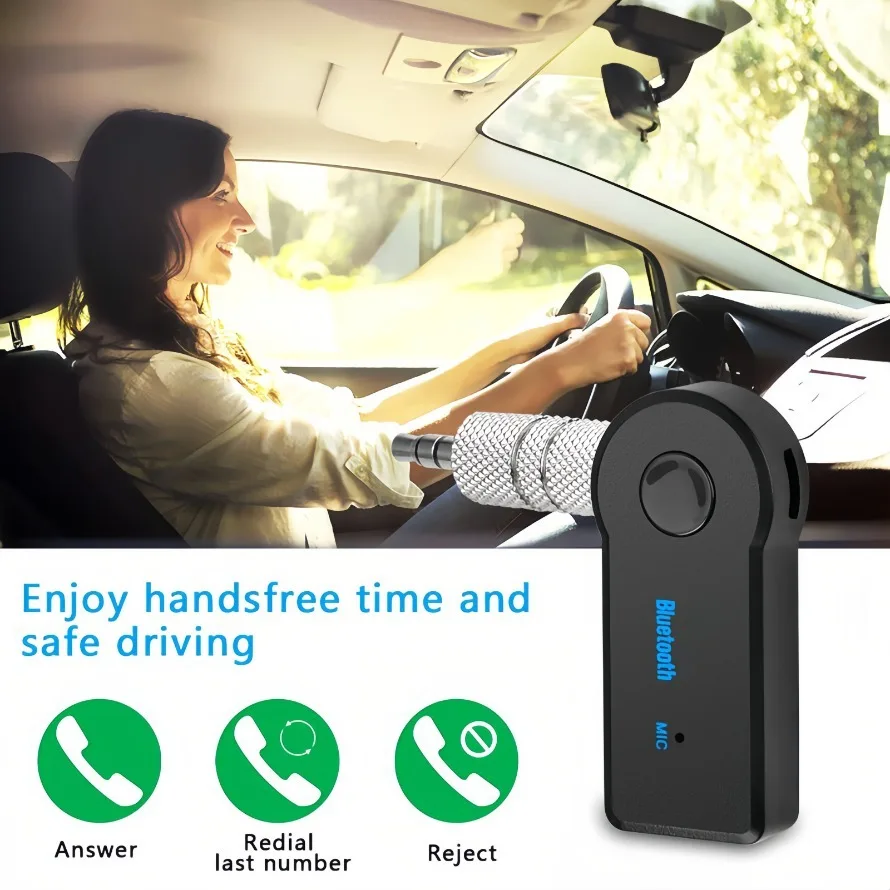
1 When your mobile phone uses a Bluetooth microphone by default, you can use the built-in MIC to achieve hands-free calling when a phone is connected.
2. When the phone calls, press the power button once to answer the voice call
3. After the call is completed, the status indicator before automatically switching to the mobile phone displays:
(1) Pairing or establishing a connection: red and blue LED lights blink simultaneously
(2) Once connected and playing: blue LED light blinks every 3 seconds
(3) Sleep mode: blue LED light flashes every 5 seconds
(4) Charging: the red LED light is always on
(5) Charging and connected: The red LED light flashes slowly Troubleshooting:
The connection of the Bluetooth music receiver is based on the completion of pairing, and the connection interruption may be due to the following reasons:
a. The distance between the swordsman of the equipment is more than 33 feet (10 meters), or there are other obstacles in the middle (such as: walls, furniture, etc.)
b. One or both of them are turned off, or it may be due to a lack of power
c. The connection is not made within the specified time, the device is in sleep mode or the power is turned off. Turn off and on the device to reconnect, follow the steps below:
(1) Restart the music receiver and transmitter
(2) Reconnect and pair after restarting
(3)Power up the music receiver and transmitter again
Recommended For You

Smart Bracelet LED Digital Waterproof Smart Clock Smartband With running pedometer Monitor Smart Band Vibration Alarm Reminder
$23.99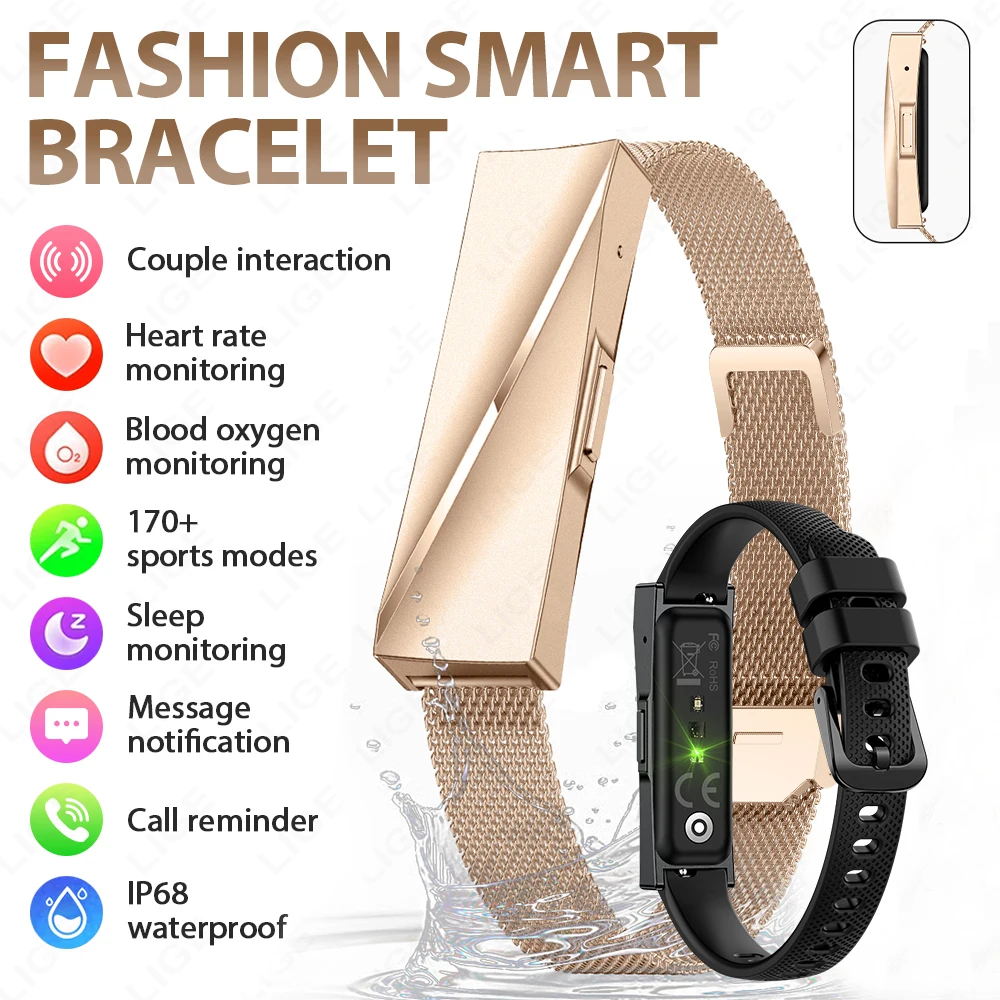
Smart Wristband Bluetooth Connected Smartband Fitness Tracker Heart Rate Blood Pressure SpO2 Sleep Monitor Health Smart Bracelet
$6.99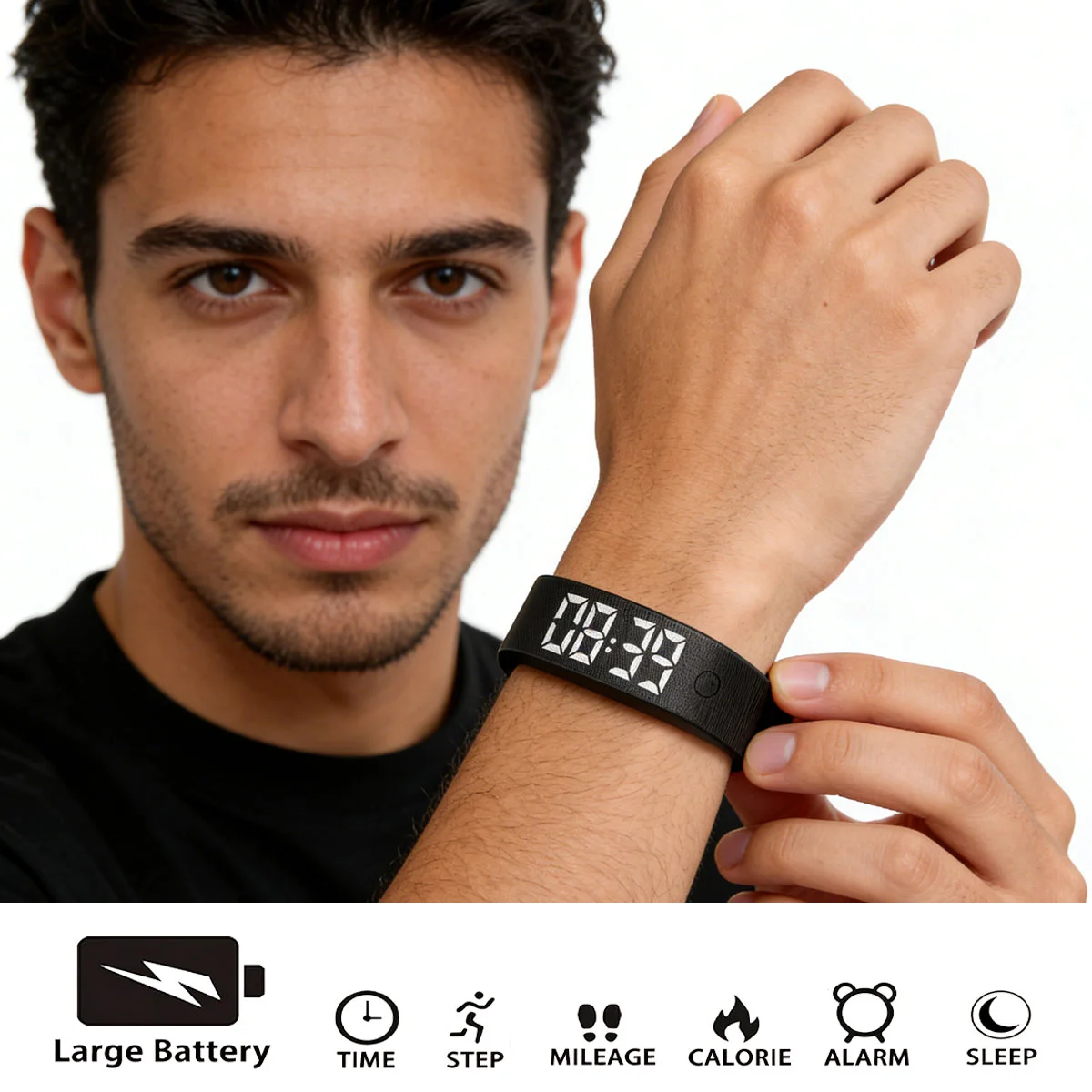
Smart Bracelet Smart Clock Smartband LED Digital Waterproof With running pedometer Monitor Smart Band Alarm Reminder
$28.99